
HomePod mini With Apple TV 4K: TV Audio Setup and Limitations

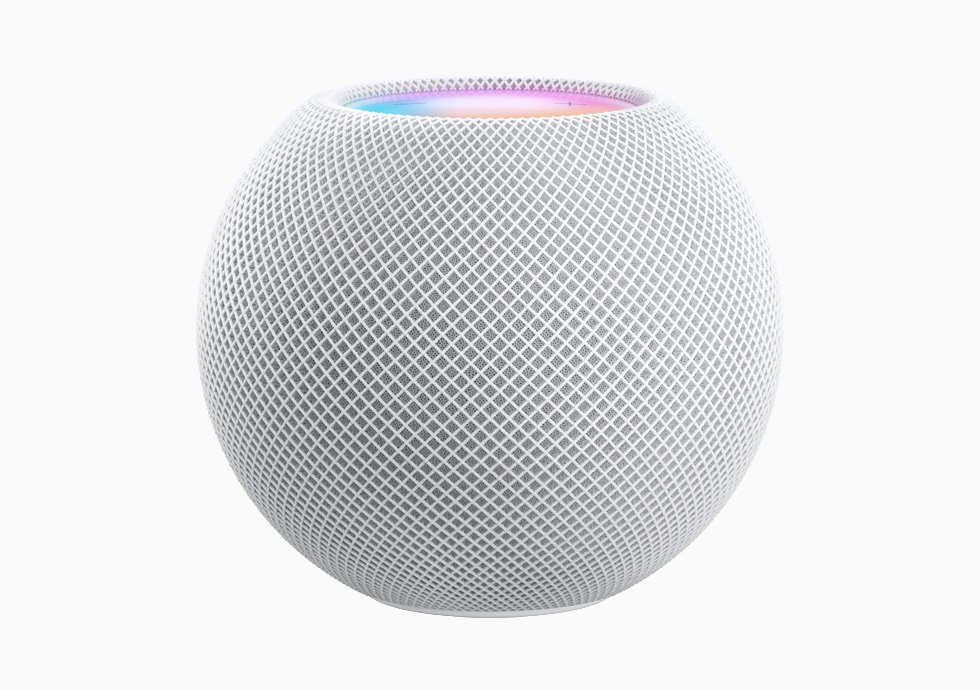
HomePod mini can be a convenient way to improve dialogue in an Apple TV setup, but it is not equivalent to a Dolby Atmos soundbar. Apple explicitly distinguishes the mini’s surround capabilities from the larger HomePod.
Check your Apple TV model
Use Apple’s home-theater setup documentation to verify your Apple TV 4K generation and software. Both devices should be correctly assigned in the Home app. For two minis, configure a matching stereo pair first.
Choose the output
Use the Apple TV audio settings to select the supported HomePod output and play a familiar scene. Check dialogue intelligibility and whether the sound remains aligned with the picture. If playback drops out, investigate network congestion before replacing equipment.
Know the limits
Apple notes that HomePod mini does not provide Dolby Atmos or 5.1/7.1 surround playback. It should not be bought as a substitute for a system with dedicated surround channels. If your priority is gaming-console or external TV-source audio, verify the exact television and Apple TV compatibility.
Buying decision
For a small room and Apple-centric viewing, a mini may be sufficient. For deeper bass and cinematic sound, compare a full-size HomePod or soundbar. Review the existing Apple TV buying guide before purchasing a streaming box.
Check the current product listing
Compare Apple HomePod mini and Apple HomeView smart display at Infinite Tech. For generation-specific buying advice see our HomePod mini 2 guide. Manufacturer reference: Apple support and specifications. This guide is based on published information, not hands-on testing. Confirm current stock and exact variant with Infinite Tech on 0720450148.
