
Motorola Edge 70 Pro 144Hz AMOLED Display: Brightness, Resolution and Eye Comfort

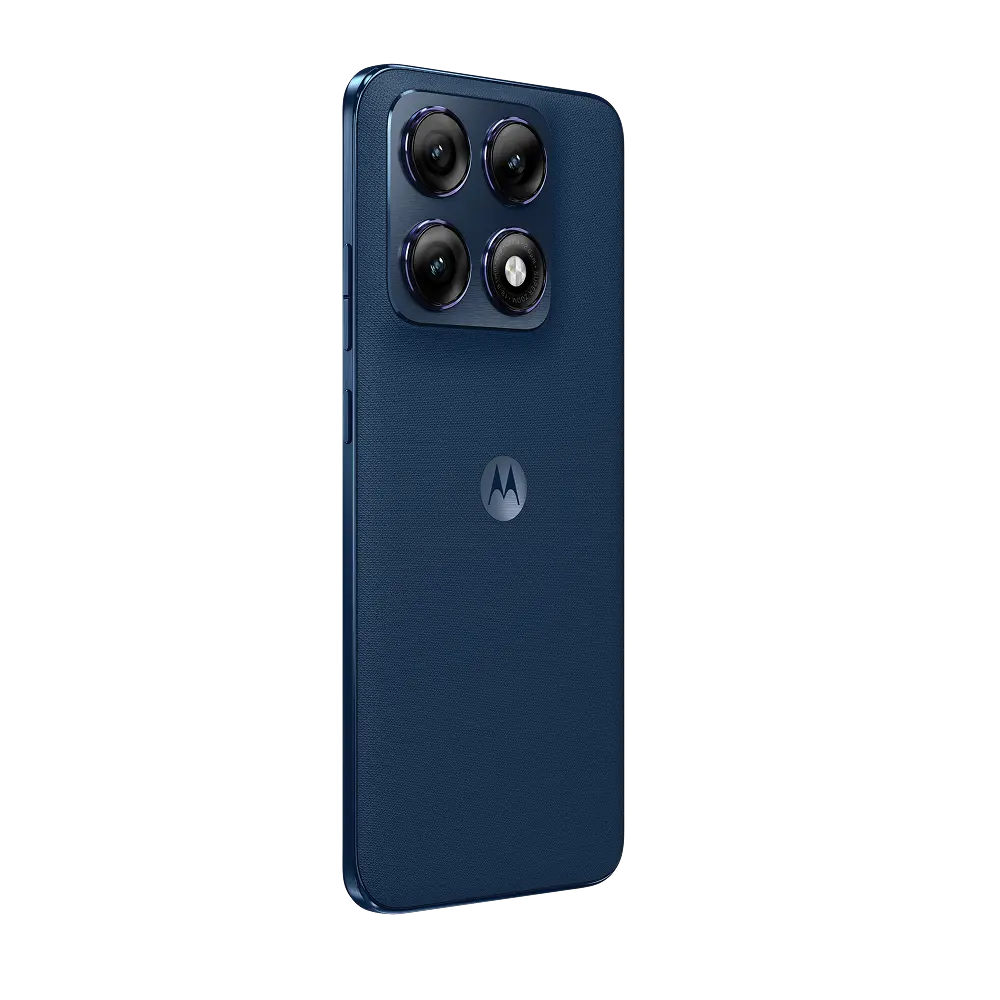
The Edge 70 Pro’s 6.8-inch AMOLED panel is specified at 2772 × 1272 pixels and up to 144Hz. These figures describe the screen’s capabilities, but comfort and outdoor legibility need practical evaluation.
Key facts at a glance
| Size | 6.8 inches |
|---|---|
| Resolution | 2772 × 1272 |
| Refresh | Up to 144Hz |
Resolution, text and video
Higher pixel density can improve fine text and image detail when content is sufficiently sharp. It does not make a low-resolution clip intrinsically clearer. Open a PDF invoice, a website and a photo in the shop and adjust font size to your usual preference. Check whether the curved edges cause unwanted reflections or accidental touches when the phone is held normally.
Peak brightness versus full-screen visibility
Motorola’s APAC sheet lists a peak of 5200 nits and a high-brightness mode of 1800 nits. These are different measurement conditions. Peak brightness can describe a small area of HDR content rather than the entire screen for an extended period. Test an ordinary webpage outdoors and compare with a competing handset at the same conditions, not with a marketing demo alone.
Refresh and power consumption
Higher refresh can make scrolling feel smoother, but it can also use more power. Try adaptive refresh if offered, and see whether your reading or gaming apps benefit from a higher rate. A 144Hz setting does not mean all video or games display 144 unique frames each second. If battery life matters more than maximum smoothness, choose a lower or adaptive mode.
Eye comfort and protection
Individual sensitivity to display flicker, brightness and reflections differs. Evaluate the screen at a comfortable low brightness before purchase and enable available night or comfort settings if they help. A certification is not a guarantee against eye discomfort. Choose a protector and case designed for the exact curved display, check fingerprint response after installation, and avoid pressing damaged glass.
Frequently asked question
Is 5200 nits the normal brightness?
No. It is a peak figure under specified conditions; the APAC high-brightness mode is rated separately.
Related reading and where to buy
See the Motorola Edge 70 Pro 5G listing and our related Edge 70 Pro guide. Visit Infinite Tech at Rehema House, Standard Street, first floor, Shop 2, Nairobi CBD or call 0720450148. Prices are catalog snapshots on 26 November 2026. Confirm the exact model, current availability and purchase terms.
Sources: Motorola APAC specifications; Motorola global launch information. This article is based on published specifications and purchase guidance, not independent hands-on testing.
