

Vitron 65-Inch Google TV vs WebOS: Features, Price and Buyer Differences

Vitron 65-Inch Google TV vs WebOS: Features, Price and Buyer Differences
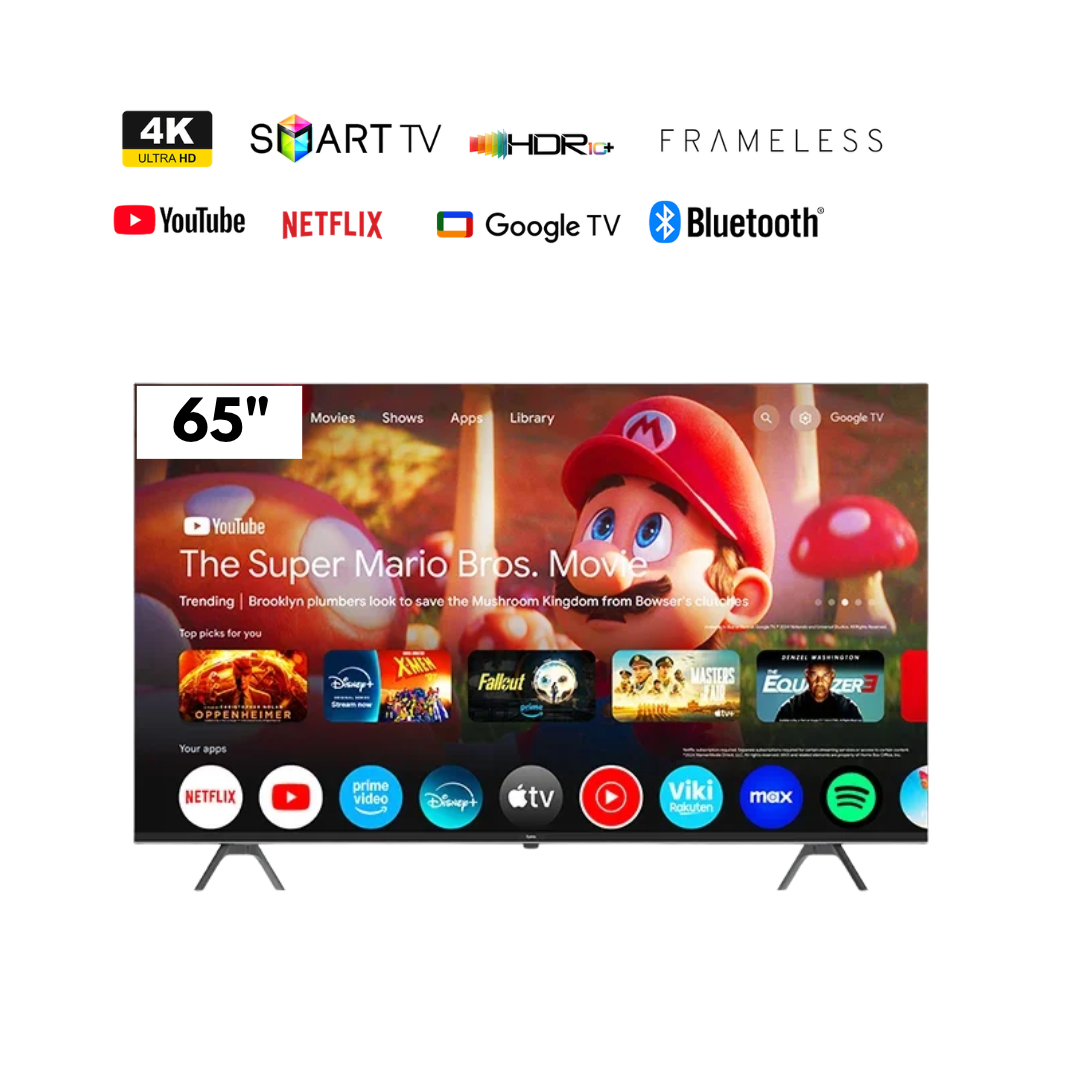
Infinite Tech carries a 65-inch 4K Vitron Google TV and a different HTC6588USWO WebOS model. The screen size and current listed prices do not make the two televisions interchangeable. Software ecosystem, apps, remote controls, HDMI functions and even manufacturer suffixes must be checked on each unit.
Updated 3 November 2026. Prices are Infinite Tech catalogue observations, not binding quotations. Current prices, stock, terms and exact model identifiers should be checked with the linked retailer product pages. This is researched buying advice, not a claim of first-hand physical testing.
Compare the exact models and current listings
| Product | Price snapshot | Key specification |
|---|---|---|
| Vitron 65-inch 4K Google TV | KSh 57,000 | Google TV model |
| Vitron HTC6588USWO 65-inch WebOS | KSh 57,000 | WebOS model, different software |
The Google TV experience
Google TV organises compatible internet apps, streaming recommendations and Google-oriented controls. It may be convenient for customers already using Google services, but app support is region- and firmware-specific. Google TV branding alone does not guarantee HDMI 2.1, 120Hz gaming or every Dolby feature.
What the WebOS listing means
The HTC6588USWO name references a different smart-TV platform. Do not copy features from unrelated LG WebOS televisions to a Vitron WebOS listing. Check the actual TV settings page for supported apps, operating-system build, connectivity and audio outputs before promising compatibility.
Installation matters more at 65 inches
Plan delivery access, wall dimensions, correct mounting bracket and safe TV handling. Where a full manufacturer model number is missing from the supplier sheet, ask for the printed label before dispatch. Any installation or warranty arrangement should be confirmed as part of the final quotation.
Which TV is the right choice for your budget?
Start with your intended viewing distance, whether you watch broadcast channels or subscription streaming, and which soundbar or console must connect. Verify the pixel resolution separately from QLED/LED panel marketing. Check the warranty document, actual remote and current stock. Comparing just the screen size can lead to the wrong TV variant and a costly return.
Before paying: a six-point buyer checklist
- Check the full model code and screen size on the carton.
- Match the panel type, native pixels, refresh rate and HDR functions to the specification sheet.
- Verify the operating system and your required streaming applications.
- Check HDMI, USB, audio outputs and wireless support on the actual model.
- Ask about written warranty, delivery fees and wall-mount installation.
- Use the latest product-page price, not an outdated blog quotation.
Frequently asked questions
Are Google TV and WebOS the same?
No. They are different smart software systems.
Can both televisions display 4K?
They are listed as 4K variants, subject to exact unit verification.
Does 4K guarantee HDMI 2.1?
No. Panel resolution and HDMI capability are separate specifications.
Can these TVs be wall-mounted?
Use a correctly rated bracket with the exact VESA pattern of the supplied unit.
What is the current selling price?
See the linked Infinite Tech product pages; the snapshots above may change.
Explore other televisions and buying guides
Compare Vitron televisions, visit the Infinite Tech TV Knowledge Centre and see the complete Vitron model and price guide. Where an alternative exists only as an unpublished draft, seek written confirmation before ordering.
