

Hisense Soundbar HDMI ARC Not Working? Kenya Troubleshooting Guide

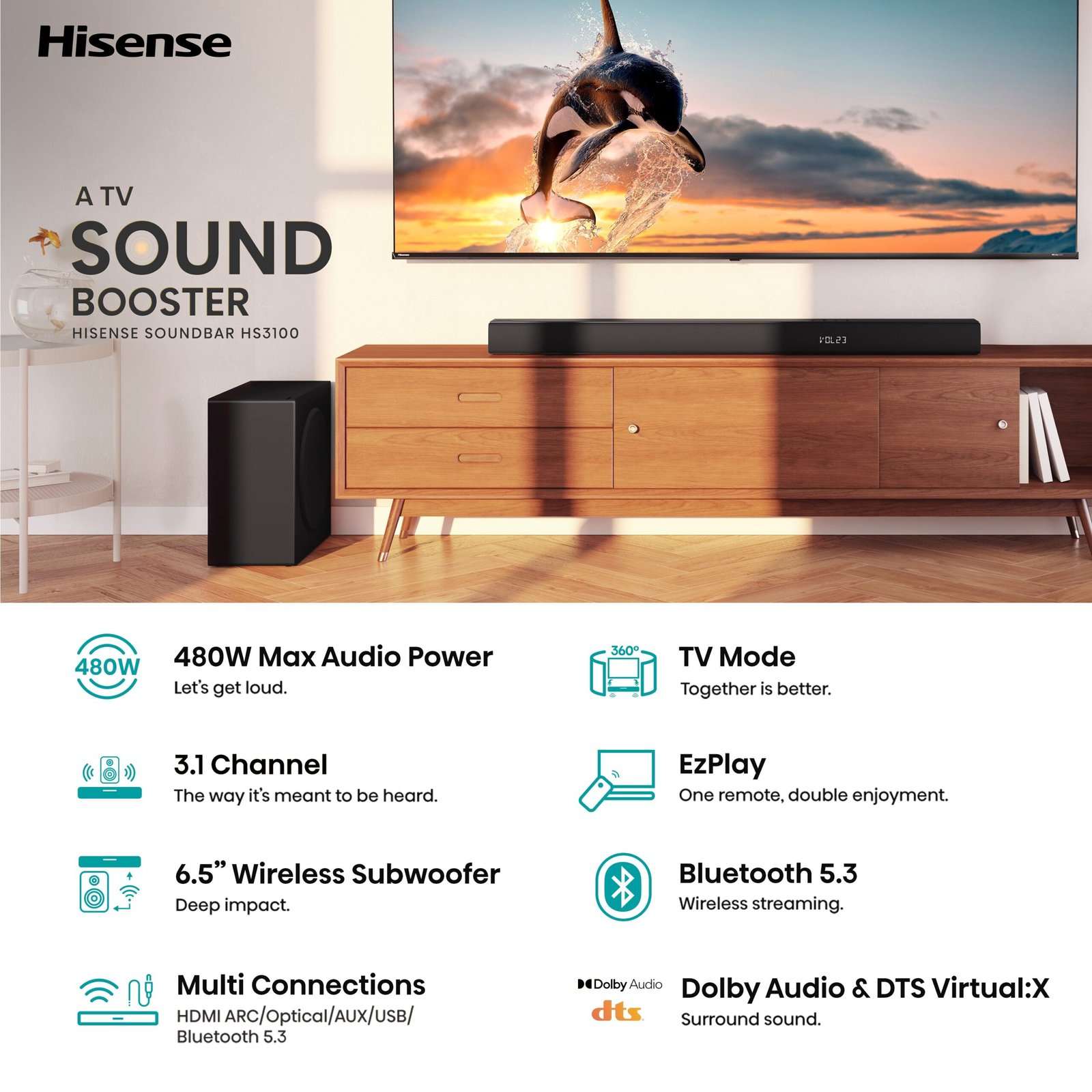
Reviewed for Kenya: 3 November 2026. No sound through HDMI ARC is often caused by a setting or the wrong socket, not a defective soundbar. These checks apply to compatible Hisense HS1800, HS2100, HS3100, HS5100 and AX models, with menu differences by television. Exact regional specifications and controls vary; always follow the printed model number and official manual.
Identify the ARC socket on both devices
On the television, find the HDMI socket labelled ARC or eARC; not every HDMI input can return audio. Connect that port to the soundbar’s matching ARC/eARC connector. For AX models, follow the exact regional manual to distinguish HDMI input, HDMI out, eARC and USB connections. Avoid adapters that do not pass CEC or ARC.
Enable CEC and select the external output
On the television, enable HDMI-CEC and select HDMI receiver or soundbar output. Different brands may call CEC Anynet+, SIMPLINK or another name. Select ARC/eARC as soundbar input. Power-cycle both devices after changing settings if they do not negotiate audio.
Test a simple compatible audio format
If Dolby bitstreams produce silence, try PCM stereo temporarily to test the signal path, then step up to a supported Dolby setting. If the connection works over optical but not HDMI, suspect the ARC port, cable or CEC/ARC settings before assuming speaker failure.
Safe fallback and when to seek support
Try a known-good HDMI cable, disconnect other external devices temporarily and avoid factory resets until you have photographed current settings. If the soundbar still makes no sound using a confirmed working source, contact the seller or manufacturer support with exact model numbers. Never open powered electronics for repair.
Quick buying and verification checklist
- Record the full soundbar and TV model identifiers; similar Hisense AX and HS numbers are not interchangeable.
- Check the correct HDMI ARC/eARC socket, format and compatible source content.
- Use safe cable routing and confirm the power supply and accessory list for the Kenyan package.
- Consult the manufacturer manual before changing any advanced settings or attempting manual subwoofer pairing.
- Confirm current pricing, availability and warranty directly from the product page or Infinite Tech customer support.
Related Hisense soundbars
- Hisense HS1800 — Kenyan price, photos and specifications
- Hisense HS3100 — Kenyan price, photos and specifications
- Hisense AX3100Q — Kenyan price, photos and specifications
- Hisense AX5100Q — Kenyan price, photos and specifications
Frequently asked questions
Will the same setting work across every Hisense soundbar?
No. The HS series and AX series have different channel layouts and decoders. TV settings also vary by brand and model.
Can I resolve an audio problem without technical repair work?
Often yes, by identifying the correct port, source, output format, pairing status or safe power reset. If a verified fault persists, use a qualified repair service instead of opening powered equipment.
Where do I check a model’s current price in Kenya?
See the six-model Hisense soundbar comparison and the general soundbar guide. Contact Infinite Tech Nairobi on 0720450148. This article does not claim to be an independently tested service manual.
