

Samsung Galaxy A Accessibility Features: Larger Text, Hearing and Ease of Use

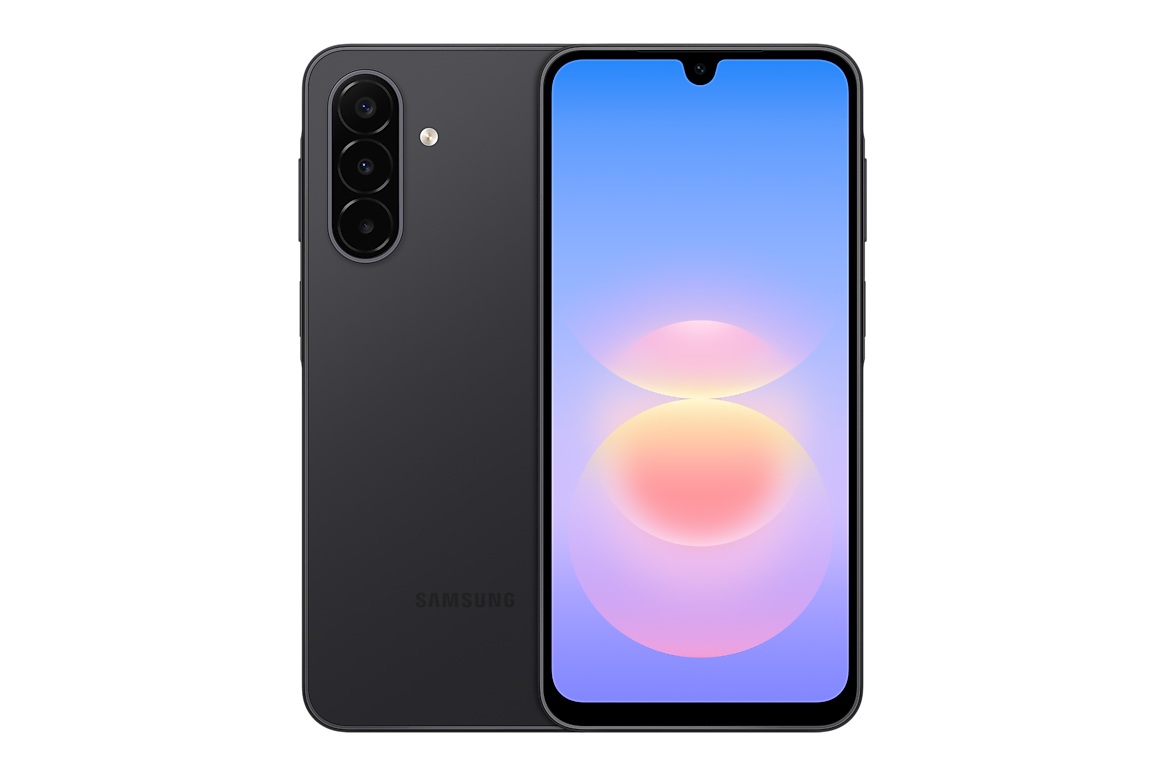
Infinite Tech Kenya practical guide · 31 October 2026. This article describes manufacturer information and buying decisions; no hands-on laboratory results or guaranteed prices are claimed.
Accessibility can make a budget phone more practical than an expensive handset left at unsuitable default settings. Samsung Galaxy A users can explore available Android and One UI tools for larger text, visual contrast, hearing support, simplified interactions and voice assistance.
Verified Samsung information and regional caveats
Samsung’s official manufacturer documentation provides the technical or service reference. Exact memory, warranty, software and cellular functions can depend on the model and market. Check the complete retail SM- code, not only the Galaxy A model name.
Reading text and seeing controls
For a buyer who struggles with small print, check Settings → Accessibility or Display for font size, screen zoom and high-contrast choices. An A18 FHD+ AMOLED may render sharp letters, while A08 can offer a lower-cost larger-screen option. Resolution alone does not set the text size.
Hearing and communications
Consider adjustable notification volume, subtitles and caption options offered on the exact software version. Try a voice call and a video call in the actual shop environment if possible. Bluetooth accessory compatibility and hearing-aid capabilities vary by hardware, region and platform.
Touch, dexterity and shortcuts
Explore longer touch settings, gesture alternatives and button accessibility. Older users may find a simple home layout and prominent contacts easier. Never advertise a particular accessibility feature as universal without confirming the phone’s current One UI version.
A sensible setup checklist
Before gifting a phone, assist with emergency contacts, account recovery, privacy controls, trusted payment apps, backups and written purchase documentation. Confirm the exact screen, charging method and software support for the model you choose.
Buyer action checklist
- Define your actual use case, budget and necessary applications.
- Check the exact model and regional hardware specifications against Samsung’s record.
- Compare physical RAM and storage, not RAM Plus marketing or generic images.
- Review the related Infinite Tech product or guide and the A-series catalogue for live prices and stock.
- Confirm supplied accessories, written warranty, return policy and delivery or collection terms.
Frequently asked questions
Can I enlarge Samsung text?
Supported Galaxy devices provide font and display settings; details differ by One UI version.
Are features identical on all A phones?
No. Verify device model and software.
Is a more expensive Galaxy necessary for large text?
Not necessarily; test the configured display first.
Where to buy and obtain help
Use the manufacturer-data reference and shopping checklist. Visit Infinite Tech, Rehema House, Standard Street, First Floor Shop 2, Nairobi CBD. Telephone 0720450148. Call to confirm actual availability and any service before visiting. The WooCommerce checkout price is authoritative.
