

Laptop Display Inspection: Resolution, Touch, Dead Pixels and Hinges in Kenya

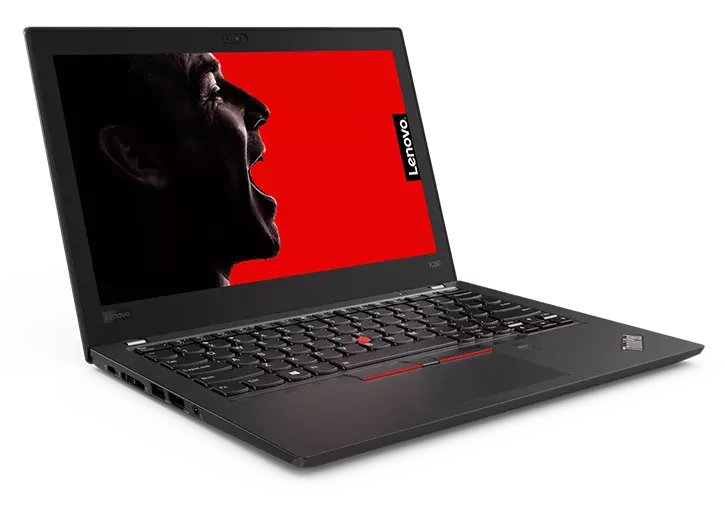
check laptop screen dead pixels touch Kenya: A practical, evidence-based guide for Kenyan laptop buyers who want accurate technical information before choosing a refurbished business laptop. This guide explains checks you can carry out and avoids presenting unverified supplier claims as facts.
What every buyer should know
Why two laptops with the same model can look different
Manufacturer model families may be sold with HD, Full HD and optional higher-quality displays. Resolution, brightness, colour coverage, anti-glare treatment and touchscreen support vary by exact panel configuration, not simply laptop model.
Test every part of the display
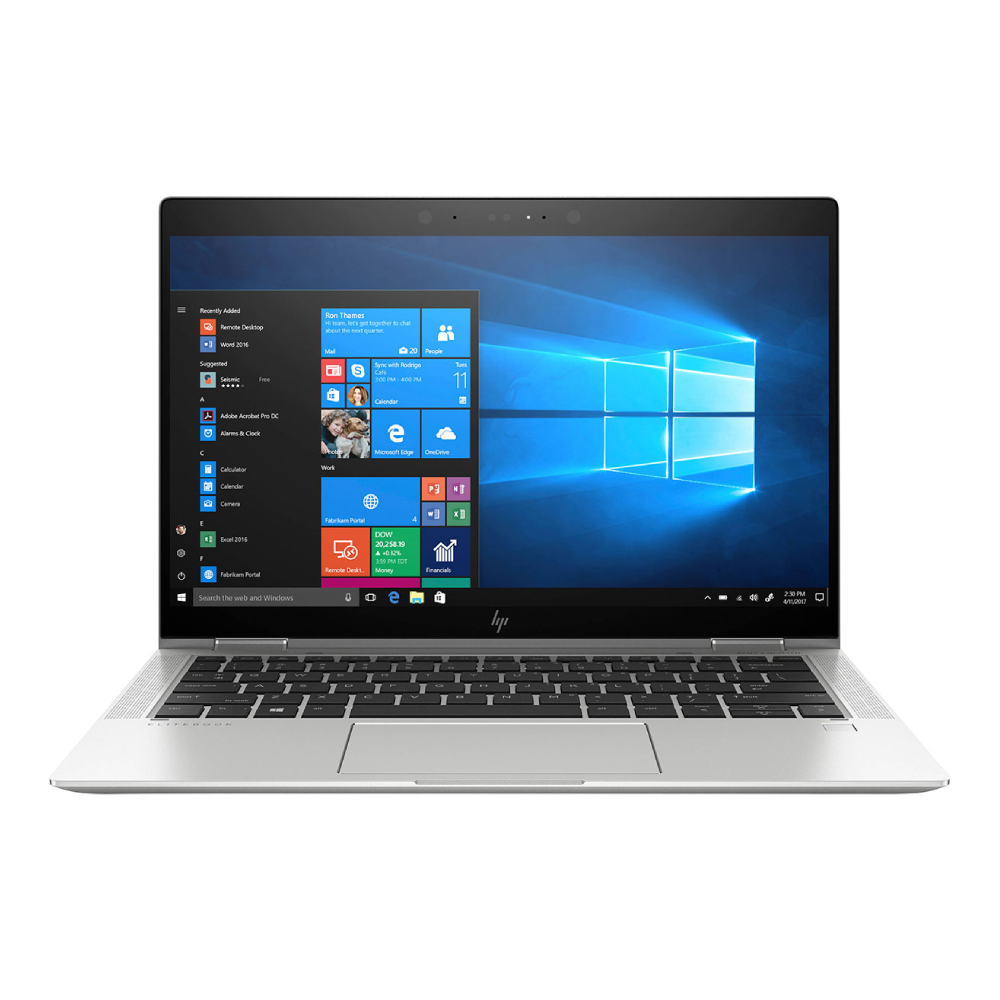
Show solid black, white, red, green and blue backgrounds to look for dead pixels, bright spots, pressure marks or uneven illumination. Check screen flicker at different brightness levels and inspect hinges for looseness, cracks or odd noises.
Touch and pen support are separate
If sold as touch, test taps and drawing across the panel including corners. A touchscreen does not automatically support an active pen. A standard clamshell touchscreen does not automatically fold 360 degrees.
What professionals should prioritise
Designers may benefit from better colour and resolution; students may care more about readability and battery. Verify actual panel condition and supported external-monitor connection before choosing a laptop.
Five practical steps
- Identify the exact brand, model number and CPU suffix before evaluating claims.
- Check installed RAM, storage and GPU directly; differentiate manufacturer options from actual installed components.
- Test display, touch, hinges, SSD, battery and charging using available diagnostic tools.
- Confirm OS/software security support, physical condition, written warranty and returns arrangements.
- Check today’s price and actual stock with Infinite Tech before paying or visiting.
Choosing the right laptop in Nairobi
| Buyer profile | Main priority |
|---|---|
| Student | Working battery, usable RAM and SSD, reliable keyboard, required coursework software. |
| Office worker | OS support, webcam, networking, USB and monitor connections, warranty. |
| Engineer or creator | Precise GPU identity, adequate VRAM and RAM, compatible software and driver support. |
| Small business | Total cost including warranty, security and replacement parts, not merely purchase price. |
Explore relevant Infinite Tech buying resources
Frequently asked questions
Is a seller’s model name proof of the installed hardware?
No. Check the physical unit and exact CPU, RAM, storage, GPU and screen as appropriate.
Do all used laptops have the same warranty or condition?
No. These depend on the individual sale and written retailer terms.
Can a laptop be suitable for office work but unsuitable for demanding design tasks?
Yes. The software version and resource requirements govern suitability, not the price or brand alone.
How do I confirm a listing before buying?
Contact Infinite Tech at 0720450148 or visit Rehema House, Standard Street, Nairobi CBD, first floor Shop 2. Request the exact configuration and unit-condition confirmation.
Official reference and editorial disclosure
Official technical or consumer information reference. Updated 31 October 2026. No unperformed benchmarks, drive health tests or original equipment inspections are claimed.
