

Integrated vs Dedicated Laptop Graphics: How to Identify Your GPU in Kenya

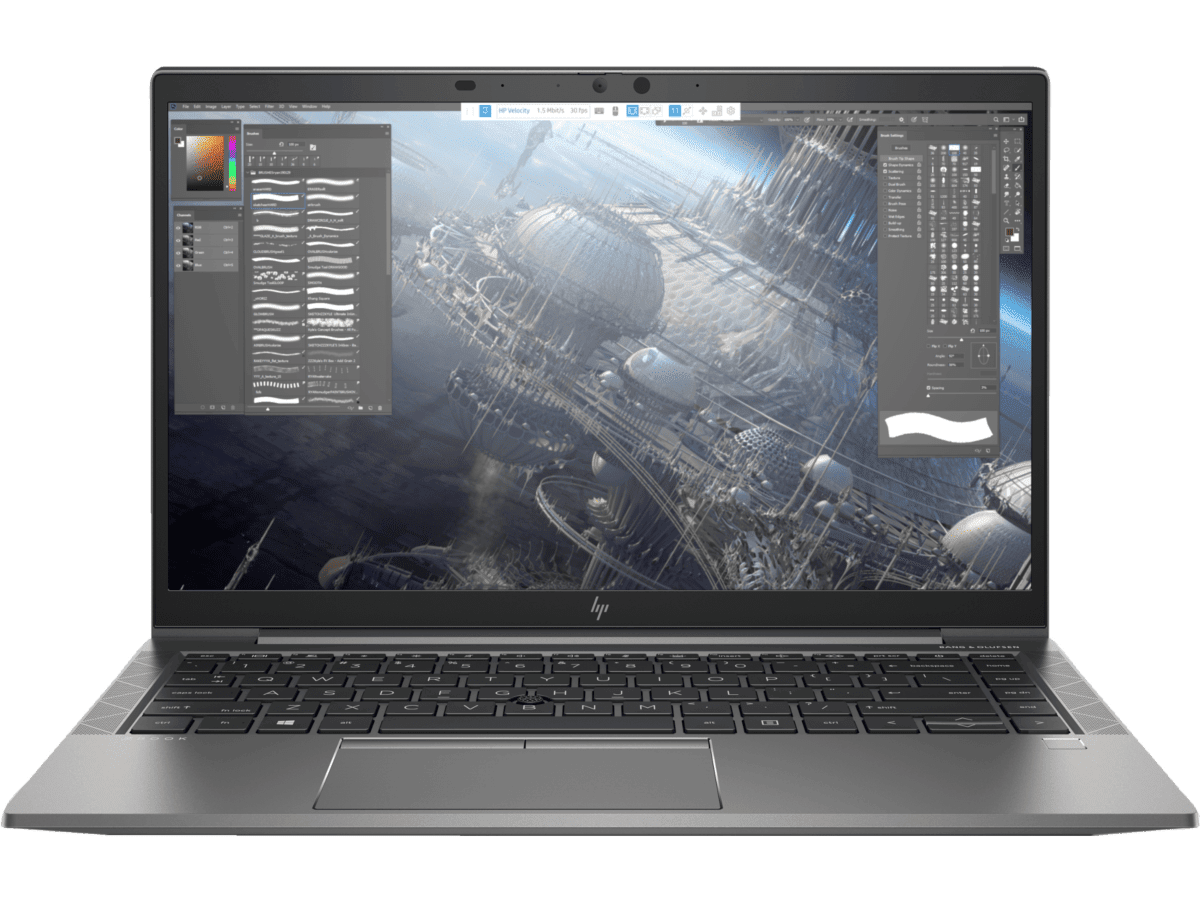
integrated vs dedicated laptop graphics Kenya: A practical, evidence-based guide for Kenyan laptop buyers who want accurate technical information before choosing a refurbished business laptop. This guide explains checks you can carry out and avoids presenting unverified supplier claims as facts.
What every buyer should know
Why the word ‘graphics’ causes confusion
Laptop listings sometimes claim ‘2GB’ or ‘4GB graphics’ without naming a GPU. Integrated Intel UHD, Iris Xe and AMD Radeon Vega processors typically use system RAM as shared graphics memory. A dedicated NVIDIA or AMD GPU has its own identity and may have its own VRAM.
Where to verify the GPU
On Windows, open Device Manager > Display adapters and Task Manager > Performance > GPU. Record the exact model and memory categories. Third-party hardware tools can also help, but do not trust a copied screenshot that does not match the seller’s unit.
Dedicated VRAM and performance
4GB of dedicated VRAM does not guarantee a fast GPU; memory bandwidth, compute capabilities, drivers and cooling matter. Conversely, an integrated GPU can handle office documents and light media work well. Only recommend a workstation GPU after checking the target software.
What to request from a seller
Ask for GPU name, exact CPU, installed RAM, and current screen/SSD condition. Check workstation drivers if buying for CAD or GIS. An honest retailer should identify uncertain GPU information as unverified rather than invent a ‘4GB NVIDIA’ model.
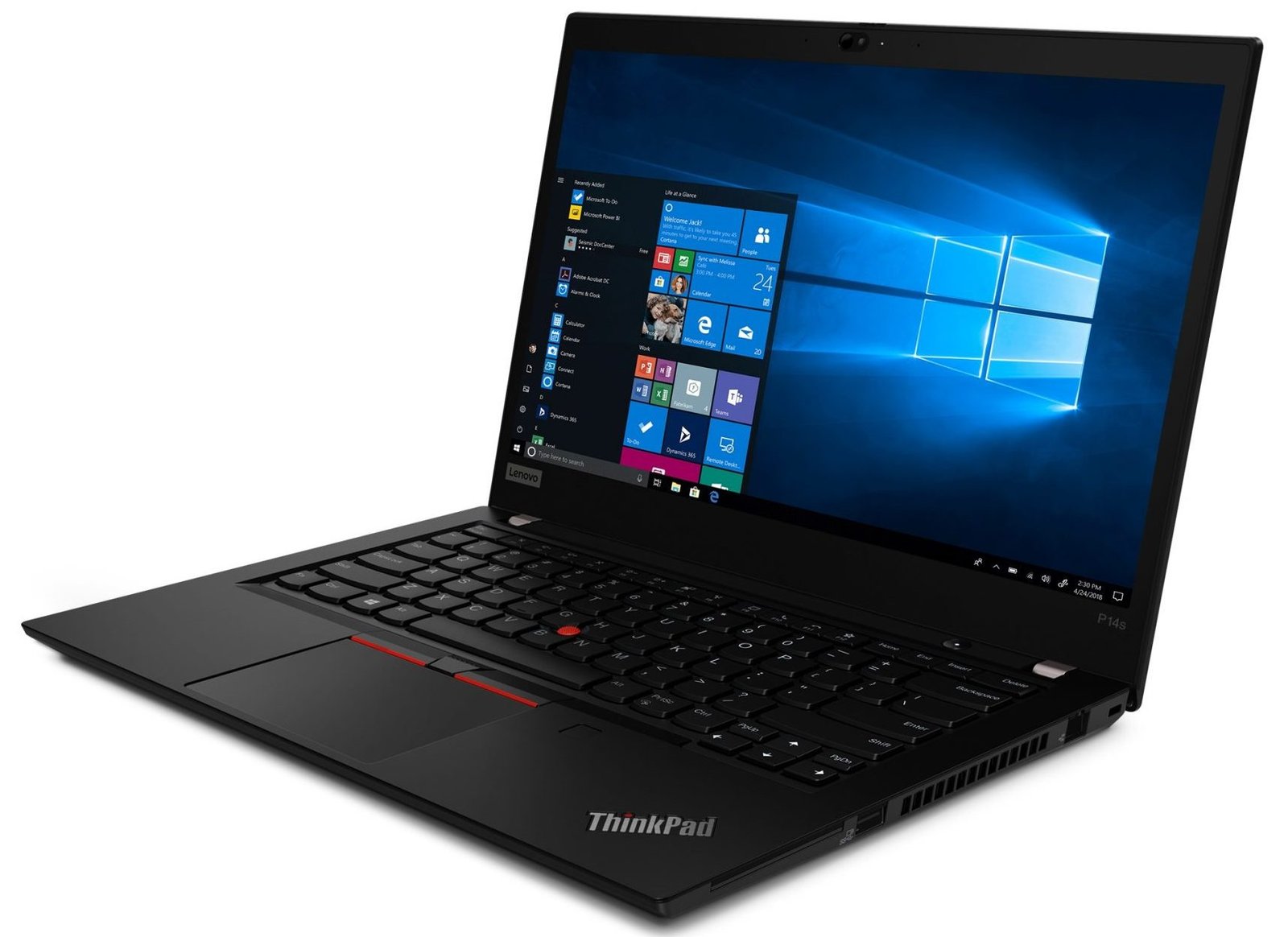
Five practical steps
- Identify the exact brand, model number and CPU suffix before evaluating claims.
- Check installed RAM, storage and GPU directly; differentiate manufacturer options from actual installed components.
- Test display, touch, hinges, SSD, battery and charging using available diagnostic tools.
- Confirm OS/software security support, physical condition, written warranty and returns arrangements.
- Check today’s price and actual stock with Infinite Tech before paying or visiting.
Choosing the right laptop in Nairobi
| Buyer profile | Main priority |
|---|---|
| Student | Working battery, usable RAM and SSD, reliable keyboard, required coursework software. |
| Office worker | OS support, webcam, networking, USB and monitor connections, warranty. |
| Engineer or creator | Precise GPU identity, adequate VRAM and RAM, compatible software and driver support. |
| Small business | Total cost including warranty, security and replacement parts, not merely purchase price. |
Explore relevant Infinite Tech buying resources
Frequently asked questions
Is a seller’s model name proof of the installed hardware?
No. Check the physical unit and exact CPU, RAM, storage, GPU and screen as appropriate.
Do all used laptops have the same warranty or condition?
No. These depend on the individual sale and written retailer terms.
Can a laptop be suitable for office work but unsuitable for demanding design tasks?
Yes. The software version and resource requirements govern suitability, not the price or brand alone.
How do I confirm a listing before buying?
Contact Infinite Tech at 0720450148 or visit Rehema House, Standard Street, Nairobi CBD, first floor Shop 2. Request the exact configuration and unit-condition confirmation.
Official reference and editorial disclosure
Official technical or consumer information reference. Updated 31 October 2026. No unperformed benchmarks, drive health tests or original equipment inspections are claimed.
