

Apple Watch GPS vs Cellular in Kenya: Network and SIM Buyer Guide

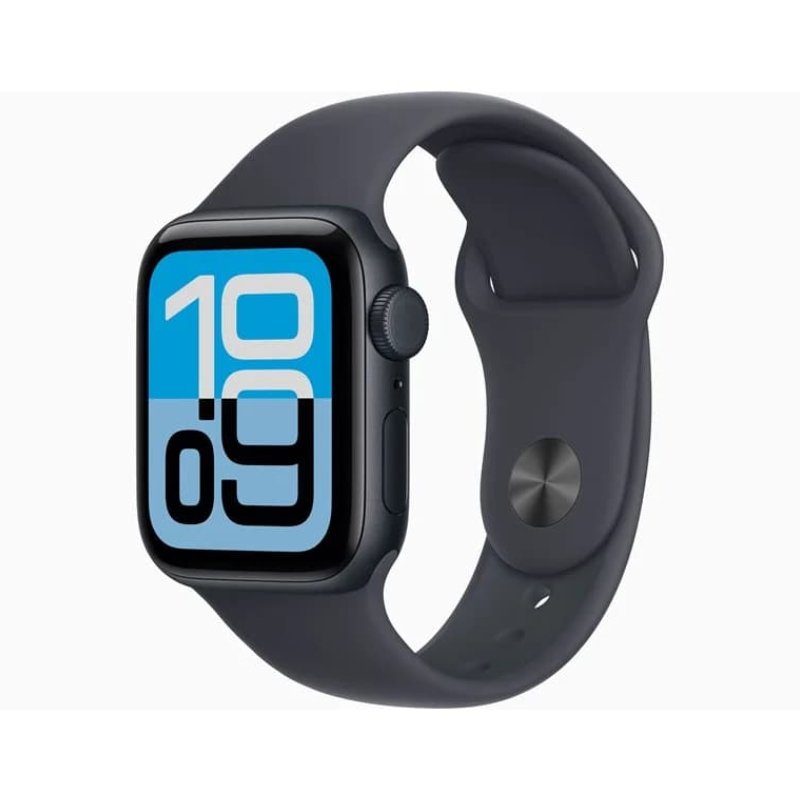
Infinite Tech Kenya Apple buying guide, 31 October 2026. An Apple Watch GPS-only model generally relies on a paired iPhone or Wi-Fi for many communications. GPS + Cellular hardware can connect independently only where a supported carrier and eligible watch plan are available and activated.
Compatibility and the key buying decision
Do not confuse a watch with cellular-capable hardware with guaranteed live eSIM service in Kenya. Apple’s support information states that cellular service varies by country and operator. Ask Safaricom or Airtel directly whether the exact watch model and plan are eligible; do not promise a standalone connection without verification.
What to verify before paying
For customers who primarily wear the watch near their iPhone, a GPS model may be enough. Compare battery impact, watch case size, compatible iPhone, region and strap before choosing the more expensive cellular variant.
Products sharing a brand name can vary significantly by generation, model number, storage tier, regional connectivity and supported accessories. Never infer compatibility purely from a photo or from a seller’s ‘latest’ label. Consult Apple’s current manufacturer compatibility lists and verify the exact physical device whenever possible.
Practical checklist for Kenyan customers
- Confirm the exact model identifier and supported software release.
- Verify compatibility with the intended iPhone, iPad or MacBook.
- Check wireless connectivity, charging interface, ports and regional limitations.
- Inspect battery health, repairs or Activation Lock if the product is preowned.
- Ask about included accessories, genuine model features, warranty and return policies.
- Compare prices and make sure the SKU being supplied matches the advertised configuration.
Who should choose which product?
Students, content creators, office workers and outdoor users often have different priorities. Match the device’s physical size, app support and battery endurance to the intended task. A higher price does not always make a device better for a particular use case; confidence in the exact model, current software and actual warranty is often more valuable than an unverified feature claim.
Get buying help in Nairobi CBD
Call Infinite Tech on 0720450148 or visit Rehema House, Standard Street, off Kimathi Street, first floor Shop 2, Nairobi CBD. Explore the Apple Shopping Guide. Check physical stock and conditions before payment.
Frequently asked questions
How do I identify the precise model?
Open Settings on the device or the paired iPhone and check the model number; compare it with Apple’s identification guide.
Do accessories always work across generations?
No. Compatibility, size, pairing and charging vary by exact model and software version.
Is the listed product guaranteed physically available?
No. Contact Infinite Tech before travelling to confirm the actual SKU, condition and price.
Can I trust a manufacturer photograph to show a used product’s state?
No. Ask to inspect or receive photos of the actual unit where condition matters.
Does a serial number alone prove authenticity?
No. It is one check among model identification, functional testing, packaging and purchase documentation.
Where is Infinite Tech Nairobi?
Rehema House, Standard Street, first floor Shop 2, Nairobi CBD; 0720450148.
Original manufacturer references: Apple Support, Pencil compatibility, Used Apple Watch inspection. This is independent buying advice, not a hands-on product test.
