

Does Samsung Galaxy A Support Samsung DeX? A08 and Other Models Explained

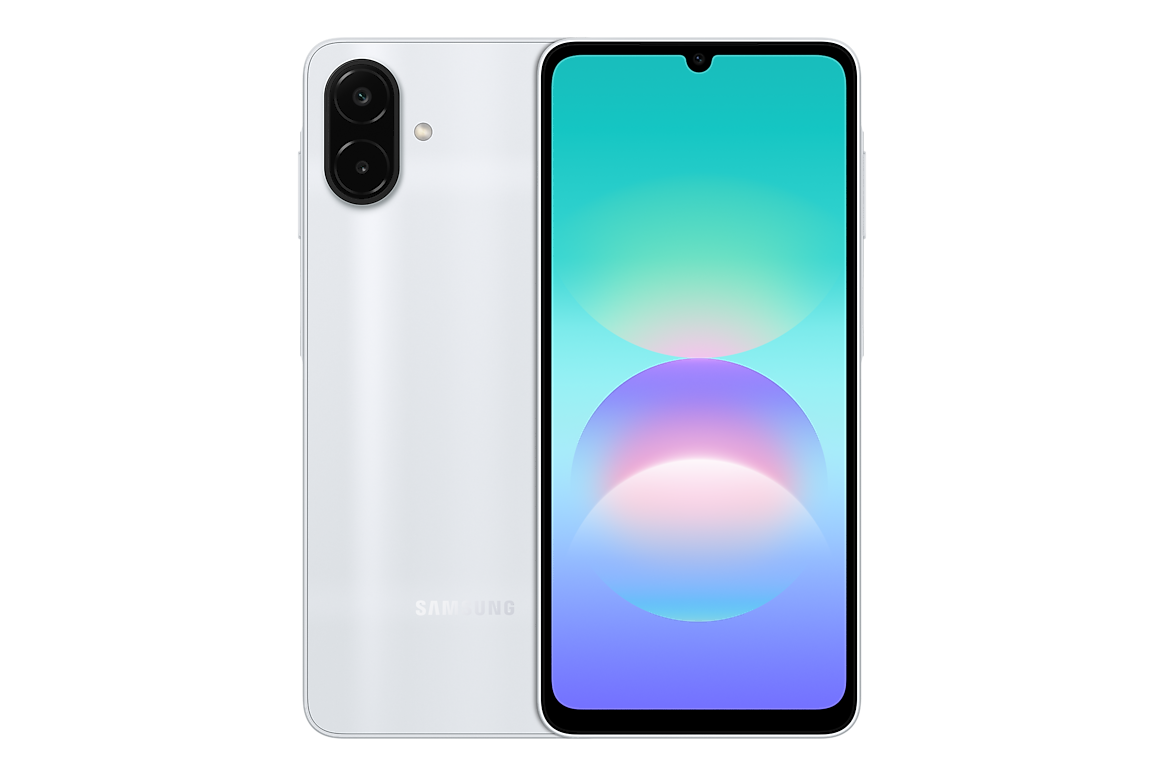
Infinite Tech Samsung research — verified 31 October 2026. This article is based on cited Samsung specifications and shopping context, not hands-on laboratory testing.
Samsung DeX is the company’s desktop-style interface on compatible devices. It should not be inferred from USB-C charging, a large AMOLED screen or Android version. Samsung Africa’s official Galaxy A08 specification explicitly states ‘Samsung DeX Support: No’.
The manufacturer-supported distinction
Different Samsung Galaxy A model numbers can have different physical RAM, storage, cellular bands, cameras and software features. Check the full regional SM- code before using a technical statement to compare two retail offers. The official manufacturer reference for this article is Samsung’s relevant product or support documentation.
What the A08’s spec sheet actually says
The Galaxy A08 SM-A085F has USB-C 2.0 and its listed Samsung DeX Support is No. Its video-playing resolution and USB charging do not establish a compatible display-output or desktop interface. Product sellers should not advertise DeX merely because the phone uses One UI.
DeX and screen mirroring are separate
Some phones can send pictures to another screen through wireless casting while lacking the DeX desktop-style environment. Similarly, a USB-C cable may charge or transfer data without providing HDMI output. Check the official exact model’s DeX and USB video-output fields.
Use cases for students and offices
Someone expecting to connect an external keyboard and monitor to replace a laptop needs to confirm software compatibility, monitor connection method and peripherals. Even compatible DeX devices are not guaranteed to run Windows desktop applications.
A practical verification checklist
Look up Samsung’s regional product page for the complete SM- model, inspect the ‘Samsung DeX Support’ line and test only with supported display and accessories. For the A08 specifically, treat DeX as unsupported rather than making a vague ‘may work’ claim.
Five checks before buying in Kenya
- Read the complete phone model code from its original retail box and the actual device.
- Compare the precise Samsung manufacturer feature specifications for that region.
- Confirm the amount of physical installed RAM, storage and 4G/5G configuration rather than relying on a shorthand listing.
- Inspect the relevant Infinite Tech WooCommerce product page for live KSh price and stock, then check written warranty and accessories.
- Keep proof of purchase and request clarification where a supplier specification differs from Samsung’s source.
Frequently asked questions
Does Galaxy A08 support DeX?
No, according to Samsung Africa’s A08 specification.
Does USB-C guarantee HDMI output?
No. USB-C capability varies by device.
Is screen mirroring the same as DeX?
No, they have different interfaces and compatibility requirements.
Samsung Galaxy A products and buyer resources
Find related offers through the Galaxy A-series category, compare the manufacturer specification index, or read the Kenya purchase checklist. Reference documents do not certify the exact retailer warranty on a parallel import.
Shop contact: Infinite Tech, Rehema House, Standard Street, First Floor Shop No. 2, Nairobi CBD; telephone 0720450148. Samsung source: official model documentation.
