

Samsung Awesome Intelligence on Galaxy A: What Features Actually Work?

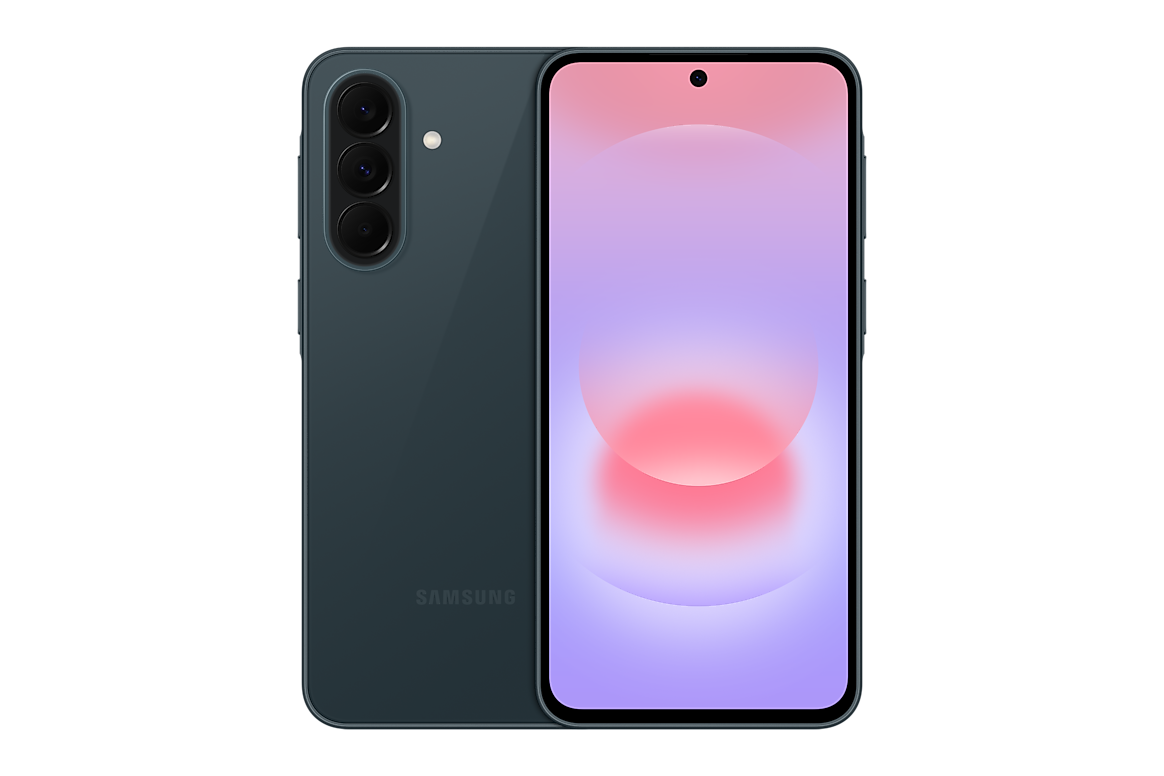
Infinite Tech Samsung research — verified 31 October 2026. This article is based on cited Samsung specifications and shopping context, not hands-on laboratory testing.
Samsung markets selected Galaxy A software tools as Awesome Intelligence, but the feature list varies by generation, region, app version and account. A model appearing in the same A family does not mean it inherits every function from a flagship Galaxy S phone.
The manufacturer-supported distinction
Different Samsung Galaxy A model numbers can have different physical RAM, storage, cellular bands, cameras and software features. Check the full regional SM- code before using a technical statement to compare two retail offers. The official manufacturer reference for this article is Samsung’s relevant product or support documentation.
A57 and A37 official announcement context
Samsung’s 2026 global launch describes Awesome Intelligence experiences on Galaxy A57 5G and A37 5G, with software availability and third-party service requirements varying. That manufacturer claim is a useful start, not a promise that every function works offline or in every Kenyan language.
Check feature-level eligibility
Instead of writing ‘Galaxy AI: yes’ as a blanket specification, identify the named tool, minimum Android/One UI version, Samsung or Google account requirement, network connection and eligible country. Some editing or search functions can have restrictions, usage quotas or third-party terms.
Don’t confuse virtual RAM with AI
RAM Plus concerns storage-based memory management. It does not create a dedicated neural processing feature. A buyer should assess whether an intelligence feature helps their actual tasks—searching documents, editing photos or translating text—rather than assuming more ‘AI’ wording means better results.
How to verify on the supplied unit
Check the exact SM- model, One UI software, relevant application update and Samsung’s official feature availability for the device and region. Demonstrate the feature on a real device where feasible, and disclose if the page was written from official documentation rather than hands-on testing.
Five checks before buying in Kenya
- Read the complete phone model code from its original retail box and the actual device.
- Compare the precise Samsung manufacturer feature specifications for that region.
- Confirm the amount of physical installed RAM, storage and 4G/5G configuration rather than relying on a shorthand listing.
- Inspect the relevant Infinite Tech WooCommerce product page for live KSh price and stock, then check written warranty and accessories.
- Keep proof of purchase and request clarification where a supplier specification differs from Samsung’s source.
Frequently asked questions
Does every Galaxy A get all Galaxy AI features?
No. Features depend on model, software and region.
Do AI features always work offline?
No. Some depend on connectivity and third-party services.
What should a Kenyan buyer check?
The exact feature, region, language support and software version.
Samsung Galaxy A products and buyer resources
Find related offers through the Galaxy A-series category, compare the manufacturer specification index, or read the Kenya purchase checklist. Reference documents do not certify the exact retailer warranty on a parallel import.
Shop contact: Infinite Tech, Rehema House, Standard Street, First Floor Shop No. 2, Nairobi CBD; telephone 0720450148. Samsung source: official model documentation.
