

Dell Latitude 5300 vs Lenovo ThinkPad X280 in Kenya

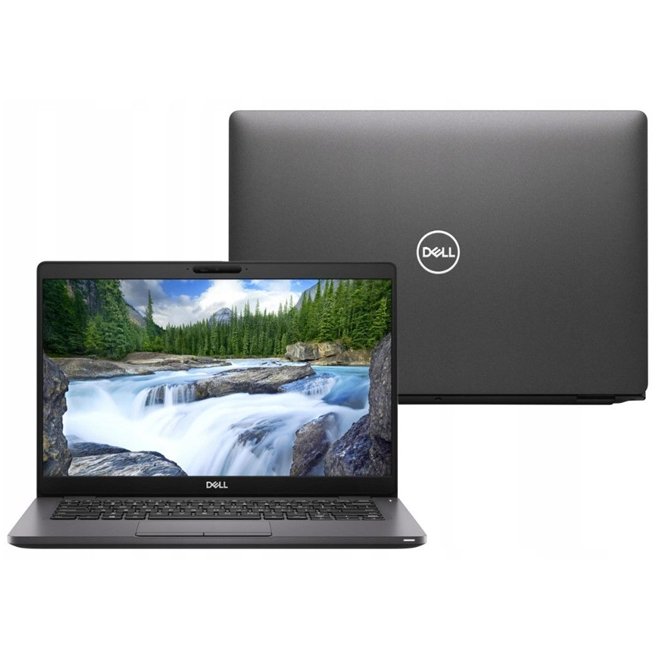
Dell 5300 vs Lenovo X280 is the focus of this practical laptop buying guide for Nairobi and Kenya. We separate manufacturer-supported model capabilities from seller configurations that still need to be confirmed on the real unit, so buyers can judge price, reliability and software requirements.
Specifications and buyer considerations
Display size and travel fit
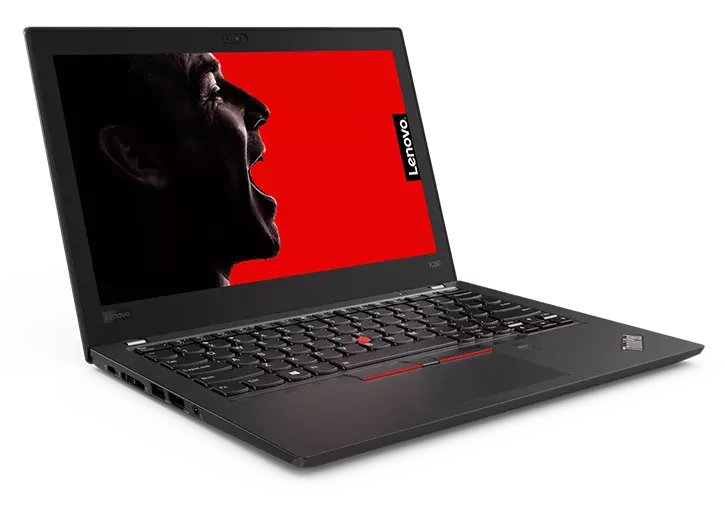
Dell Latitude 5300 is a compact 13.3-inch-class laptop. ThinkPad X280 is a smaller 12.5-inch-class ultraportable. The larger panel may benefit spreadsheets; the smaller machine can be easier to fit in a student bag.
Check exact CPU and RAM design
Both families have different processor and RAM options across the market. An Intel i5 8th Gen X280 and Core i7 8th Gen Latitude 5300 should be compared by their CPU suffix, installed RAM and practical upgrade possibilities, not just model branding.
Durability and condition
Pay attention to battery health, power-port operation, USB-C charging, keyboard, display and hinges. A well-maintained refurbished X280 can be a better buy than a damaged 5300, or vice versa.
Who should buy which?
Choose ThinkPad X280 if portability and keyboard feel dominate; consider Latitude 5300 if extra screen room and its particular connectivity suit you. The final verdict depends on unit-level screen resolution, battery and price.
Practical comparison for Kenyan buyers
| Use case | What matters most |
|---|---|
| Office, school and spreadsheets | Functional keyboard, SSD, available RAM, screen readability, webcam and sound battery health. |
| Engineering and professional software | Exact CPU suffix, GPU model and driver, RAM capacity, SSD performance and vendor application requirements. |
| Carrying and presentations | Screen size, weight, charger, genuine touch capability and hinge strength where applicable. |
Seven checks before paying for a refurbished laptop
- Request the full hardware model and processor suffix from BIOS or operating-system system information.
- Confirm RAM and SSD capacity on the actual machine.
- Inspect the screen resolution, touch operation if advertised, pixel and hinge condition.
- Identify integrated or dedicated GPU accurately; shared memory is not dedicated VRAM.
- Ask for battery capacity and SSD health, and test the keyboard, webcam and ports.
- Check the appropriate OS and software compatibility for your work or course.
- Check today’s WooCommerce price, the precise item’s availability, written warranty and return terms.
Compare prices and related Infinite Tech laptop guides
For stock confirmation, call 0720450148. Visit Infinite Tech at Rehema House, Standard Street, Nairobi CBD, first floor Shop 2. Prices, configurations and inventory change; refer to product pages for current values.
Frequently asked questions
Does a later laptop model always mean a newer processor?
No. CPU ranges and their model-year changes differ by manufacturer. Always check the actual processor code and the corresponding manufacturer guide.
Is a dedicated 4GB graphics card guaranteed by an advert saying 4GB graphics?
No. Integrated GPUs can use shared memory, and 4GB VRAM describes capacity rather than the GPU model. Verify the GPU identity before purchase.
Can I upgrade RAM and storage?
It depends on the exact system board and supported slots. Do not assume memory upgradeability for compact business laptops or convertibles.
Can I inspect these laptops in Nairobi?
Contact Infinite Tech ahead of visiting to confirm physical stock, warranty and the exact specification and condition.
Manufacturer documentation
Official manufacturer information and model identification resources. Editorial update: 31 October 2026; not a hands-on benchmark or a guarantee of a supplier’s unverified claims.
