

Google Pixel Camera Modes Explained: Portrait, Macro, Zoom and Night Sight

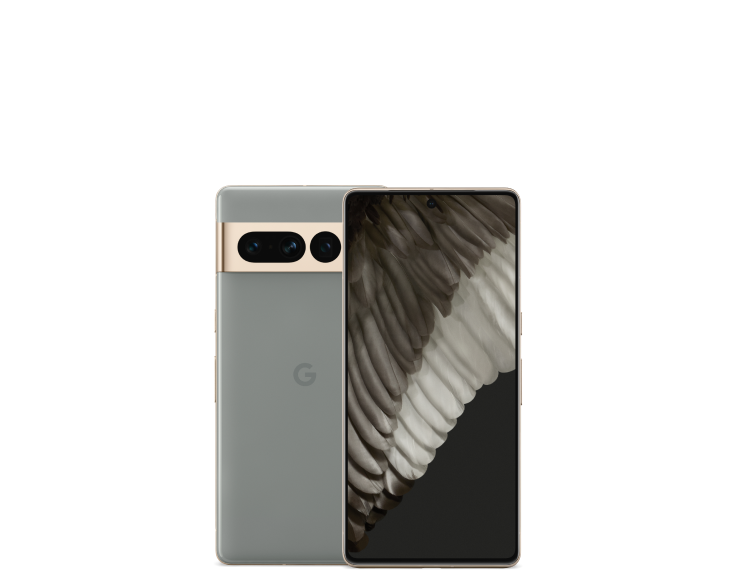
Google Pixel Camera Modes Explained: Portrait, Macro, Zoom and Night Sight is a practical Kenya-focused guide for choosing or using a Google Pixel. Google publishes the official device hardware specifications, but not every feature is available on all models or in every region. The advice below separates documented capabilities from results that require a hands-on test.
How this Pixel feature works
Google Pixel Camera combines physical lens hardware with computational photography. Portrait mode simulates background separation; Night Sight uses multi-frame processing for darker scenes; macro functions require suitable focus hardware; telephoto zoom depends on whether a model has an optical telephoto lens.
If you compare Pixel 7 Pro, 8 Pro and 9 Pro with standard and A-series models, do not assume that the same menu item produces equivalent results. Some modes appear only on supported generations or software versions, and digital zoom does not become optical merely because an image looks sharp.
How to decide what to buy or set up
Before buying, identify the specific photography tasks you do most: close-up jewellery, night street scenes, selfies, portraits or distant events, then test the appropriate mode on the handset.
Compare the exact model and RAM/storage rather than assuming that all Pixel generations are interchangeable. If a feature is critical to your work or travel, confirm it on the actual handset with the current Android and app version before purchasing. Device condition, warranty and budget often matter as much as the manufacturer’s advertised capability.
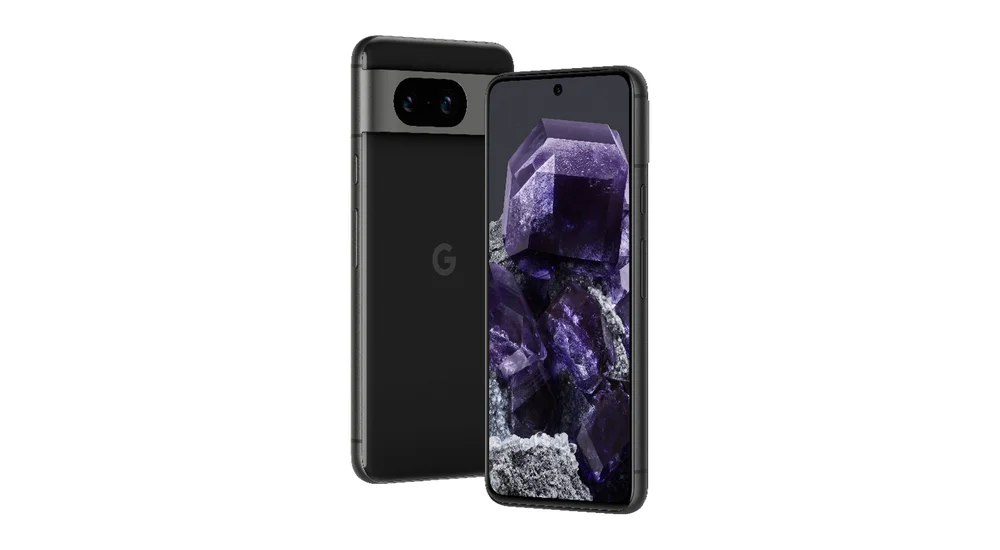
Which camera mode suits which subject?
For portraits, start with good light and check the software’s treatment of hair, glasses and subject edges rather than assuming the strongest blur is the most natural. For food or jewellery close-ups, verify whether the exact Pixel has a dedicated or supported macro focus mode; stepping back slightly and using the main camera can sometimes give better focus than forcing a close shot. For events across a room, confirm whether the device has an optical telephoto lens; digital crops are not the same optical setup. Night Sight can help static low-light scenes, but moving subjects may introduce blur. For video, check stabilization and microphone quality. Model-specific Google Camera features evolve with updates, so menus and capabilities should be verified on the device being sold.
Practical checklist for Kenyan shoppers
- Identify your exact Pixel model and regional configuration in the phone settings.
- Check Google’s official device specifications and support-policy page, not only retailer advertising.
- Verify whether the feature is available in Kenya, with your Google account and software version.
- Test the feature under the real use case and note any need for accessories, data or subscriptions.
- Compare current WooCommerce prices, RAM/storage variants and the actual seller warranty before buying.
Related Pixel camera, software and accessories guides
- Pixel for WhatsApp Business and M-Pesa
- Pixel video settings
- Best Google Pixel camera phones under KSh 40,000
Frequently asked questions
Is a Pixel with more megapixels always better?
No. Sensor size, lens quality, focus, stabilization and processing influence output, and every phone has different strengths.
Can I rely on the manufacturer image to judge this feature?
No. A product image identifies a model, but it does not establish actual performance, compatibility, stock colour or condition of the handset a retailer supplies.
Where can I compare Pixel models and prices in Kenya?
Use Infinite Tech’s live Google Pixel price index and the best Pixels by budget hub to match models and prices to your needs.
Manufacturer verification and next steps
For technical information, consult Google’s Pixel hardware specifications and Google’s update policy. For comparison buying advice, see the Pixel Kenya buying guide and camera reference. Visit Infinite Tech, Rehema House, Standard Street, first floor Shop 2, Nairobi CBD, or call 0720450148 to check the exact phone, warranty and accessories. Updated 31 October 2026.

One thought on “Google Pixel Camera Modes Explained: Portrait, Macro, Zoom and Night Sight”
Comments are closed.