

15 Things to Check Before Buying a Used Google Pixel in Kenya

15 Things to Check Before Buying a Used Google Pixel in Kenya addresses a common concern for Kenyan buyers of Google Pixel smartphones. Model names alone cannot establish network eligibility, phone condition, real ownership cost or warranty status. This guide separates manufacturer-documented features from issues that require inspecting the actual phone.
What Kenyan Pixel buyers should know
An imported or refurbished Pixel should be evaluated as an individual electronic device, not only by the reputation of its model. Inspect screen quality, battery behavior, charging, camera focus, device serial identifiers, carrier status, software support, accessories and the seller’s written warranty.
Ask the seller to demonstrate boot and account setup, Google Play functionality, voice calling, mobile data, Wi-Fi, Bluetooth, GPS, microphone, speakers, fingerprint authentication where present and normal charging. Check for hidden screen burn-in, unusually fast discharge or repair history.
Why this matters when comparing actual offers
Do not share account passwords with the seller. Complete payment only after receiving an accurate invoice describing the supplied device and warranty terms.
15-point used-Pixel checklist
- Verify the model number and storage.
- Check the phone boots normally.
- Confirm no previous-account activation block.
- Inspect screen for lines and burn-in.
- Test touch response along all edges.
- Check battery wear and unexpected shutdown.
- Test charging port and cable.
- Test wireless charging if supported.
- Test front and rear cameras.
- Verify microphone and speaker audio.
- Try an unlocked local SIM and voice call.
- Test Wi-Fi and Bluetooth.
- Confirm GPS/location functionality.
- Check fingerprint or face unlock where applicable.
- Read the seller’s written warranty.
Questions to ask Infinite Tech before paying
Confirm the exact RAM/storage configuration, whether the unit is new, open-box, refurbished or used, real availability, written warranty and delivery or collection terms. For imported devices, request the specific regional model number and test the required network functions. The live WooCommerce product page remains the place to confirm the current shop price; a previously saved screenshot may be outdated.
Related Google Pixel buyer-safety guides
- IMEI and carrier-lock checks
- US, UK and Japanese Pixel versions
- Google Pixel 5G and eSIM Kenya reference
Frequently asked questions
Can a used Pixel still be a good purchase?
Yes, if the exact unit is genuine, functional, unlocked, suitably supported and reasonably priced against repair risk.
Can I rely on a generic Pixel specification image?
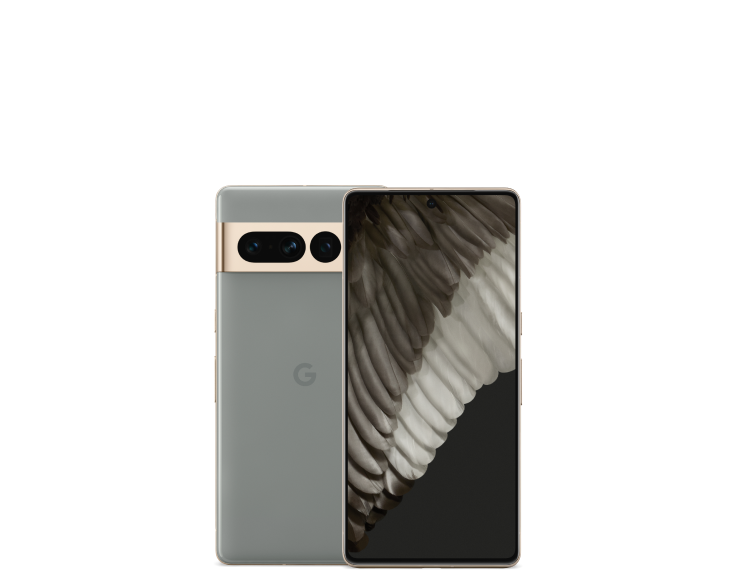
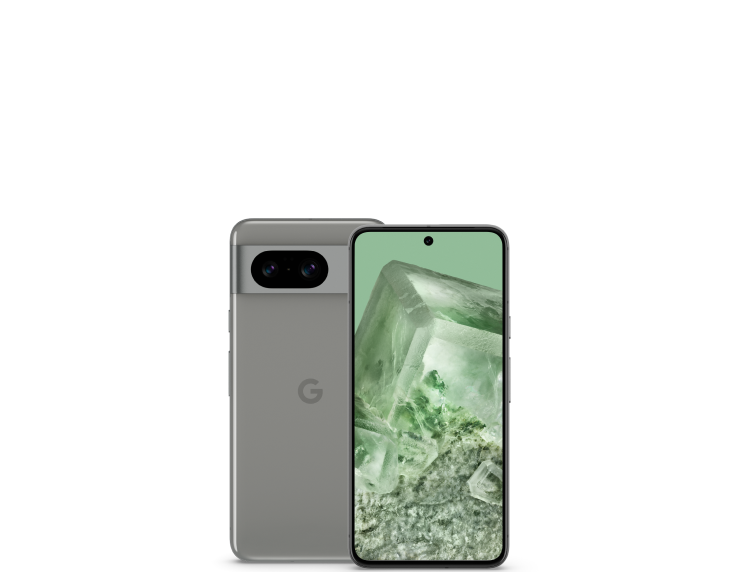
No. Manufacturer photographs explain model appearance, but they do not document a particular retail unit’s condition, colour, battery or warranty.
Where can I compare current Google Pixel prices in Nairobi?
The Infinite Tech live Pixel price index and budget guide list published configurations. Contact the shop for physical availability.
Official references and shopping help
Check Google’s model-specific hardware specifications, Google’s software-update policy and Infinite Tech’s network compatibility guide. Visit Infinite Tech, Rehema House, Standard Street, first floor Shop 2, Nairobi CBD, or call 0720450148 to check the actual unit. Updated 31 October 2026.
