

Samsung RAM Plus vs Physical RAM Kenya: Stop Confusing 4GB, 8GB and Virtual RAM

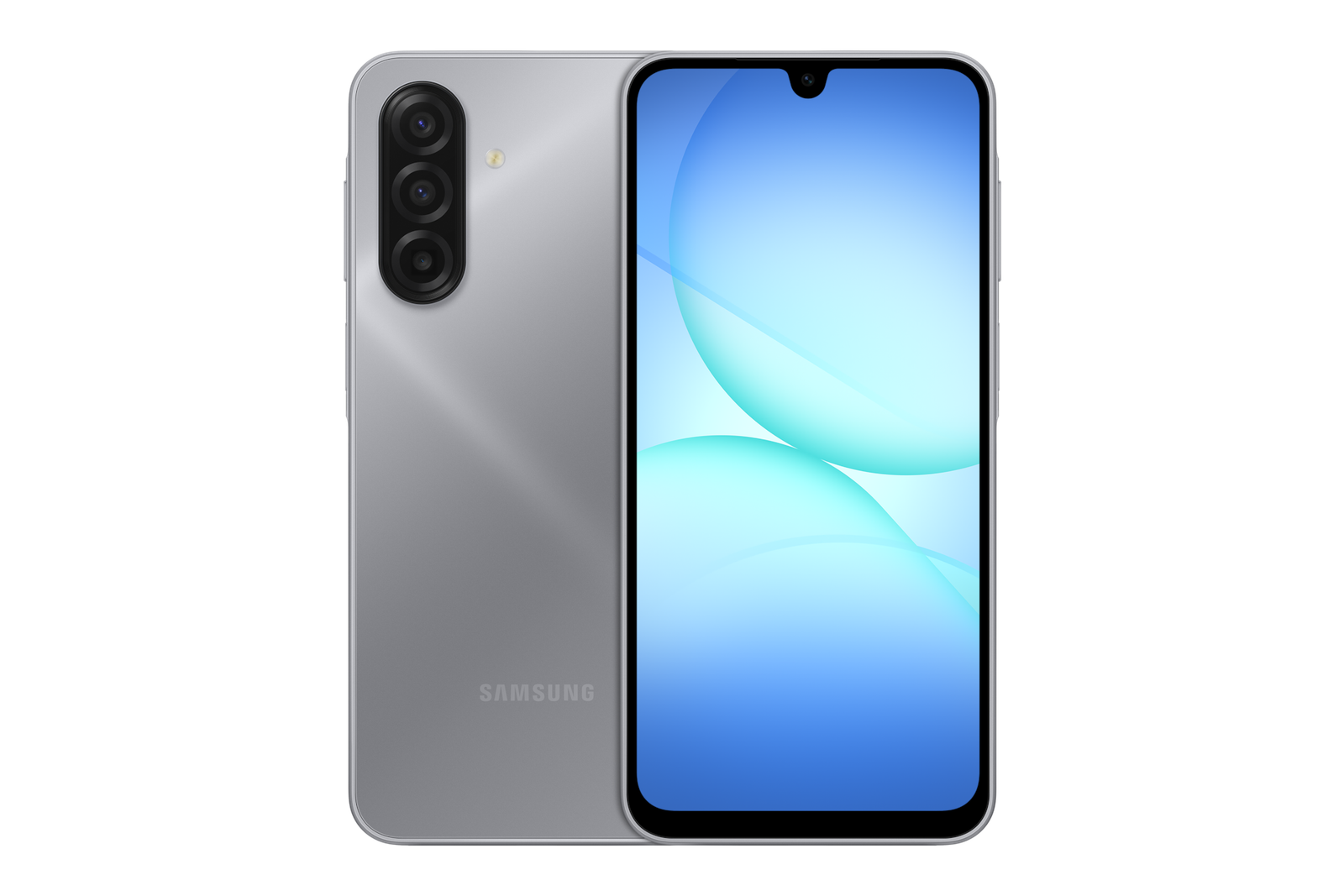
Infinite Tech Samsung data accuracy centre · Updated 31 October 2026. This is manufacturer-source research and buyer education. Specifications, support and warranty can depend on the exact regional device. No hands-on testing or warranty eligibility certification is claimed.
A seller advertising ‘8GB RAM’ might mean 8GB installed physical memory—or 4GB physical memory plus 4GB virtual RAM Plus. These are not identical products. Samsung says RAM Plus allocates internal storage to virtual memory, which can help keep apps available but does not install additional physical RAM chips.
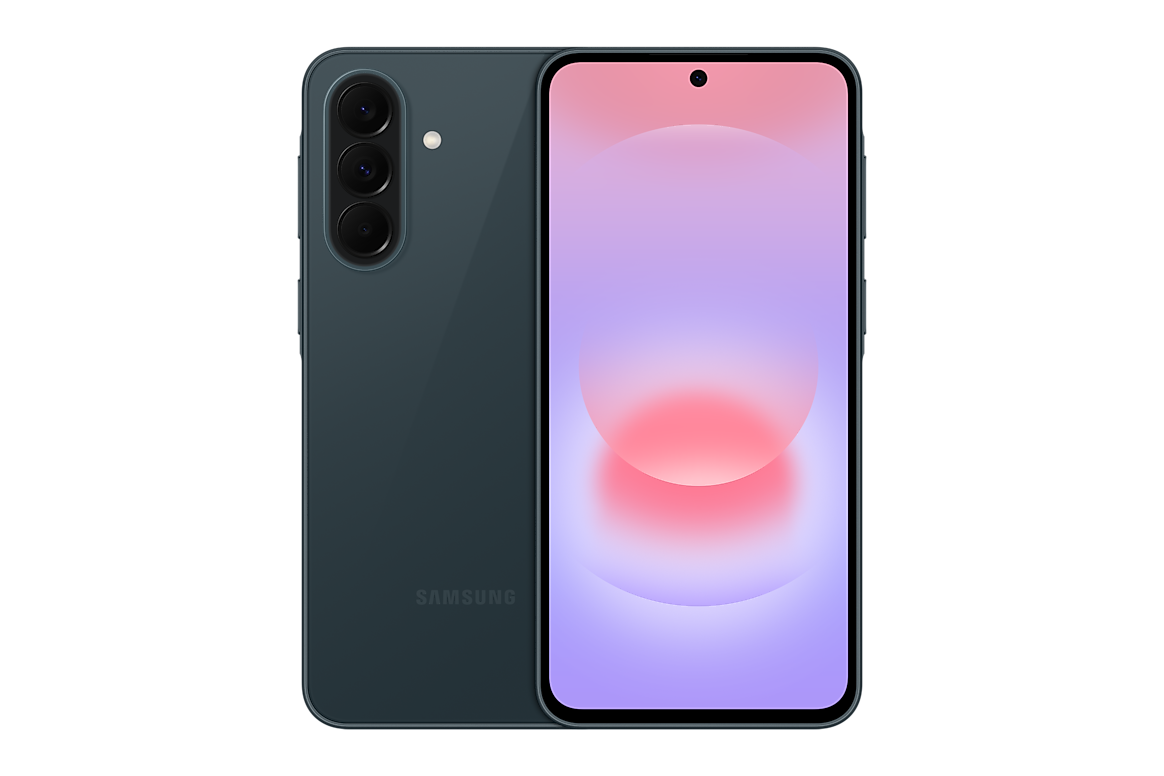
Physical RAM versus storage-based virtual memory
Physical RAM is fast hardware memory used while apps run. RAM Plus is a software feature that uses part of the device’s internal storage to augment memory management. Storage generally operates differently from true RAM, and a phone with 4GB RAM plus 4GB RAM Plus is still a 4GB physical-RAM variant. Never write ‘8GB physical RAM’ on that product page.
How to check your Galaxy A phone
Compare the actual model identifier and manufacturer RAM/storage combination with the packaging and device settings. Samsung’s settings menus can differ by One UI version: under Device care or Battery and device care, look for Memory and RAM Plus. The menu may show a virtual allocation independently of the hardware memory installed.
Why it changes purchase decisions
For everyday WhatsApp, M-Pesa and browsing, 4GB may be sufficient. Heavy app switching, multiple large documents or demanding games can favour higher physical RAM and an appropriate processor. More RAM Plus does not guarantee improved gaming benchmarks, and reducing free storage has its own trade-offs.
How Infinite Tech lists variants
Our Galaxy A17 4G 4GB/128GB, 6GB/128GB and 8GB/256GB configurations should be described with their true installed RAM. Virtual RAM must only appear in a separate feature field. Buyers can inspect the exact A17 4GB/128GB product and request the regional model code.
Related Samsung A-series product pages
For any model, verify the real physical RAM, storage size, 4G/5G designation, regional identifier, checkout price, warranty and actual stock. See our official-specifications reference index and use WooCommerce product pages for live prices.
How to verify physical Samsung RAM
- Check the model and printed hardware-memory configuration.
- Open Device care or Battery and device care → Memory where supported.
- Read RAM Plus as storage-based virtual memory rather than installed physical RAM.
- Compare 4GB, 6GB and 8GB hardware configurations on their own product pages.
- Choose sufficient storage and physical RAM for the applications you actually use.
What to do next: Match the actual Samsung device and its documented specifications to the relevant Infinite Tech product page. Prices and stock should be verified in WooCommerce before an order. This guide explains evidence and purchase decisions; it does not claim a hands-on review or manufacturer certification of every imported device.
Frequently asked questions
Does 4GB + 4GB RAM Plus equal 8GB physical RAM?
No. It is 4GB physical RAM plus storage-based virtual memory.
Can RAM Plus be disabled?
Samsung settings vary by model and software; check the options offered on your device.
Will RAM Plus always speed up games?
No. CPU, GPU, storage and application requirements also influence performance.
Research source and how to contact Infinite Tech
Manufacturer reference: Samsung official support or product documentation. We recommend confirming any regional warranty and network detail with Samsung or the relevant provider for the full retail model number.
Infinite Tech: Rehema House, Standard Street, off Kimathi Street, Nairobi CBD, first floor Shop No. 2. Call 0720450148 before visiting to check stock and the exact model. Our guides aim to make differences clear, not to substitute manufacturer warranty terms.
