

Latest News & Articles
Oraimo Earbuds Bluetooth Pairing With Android, iPhone and Windows

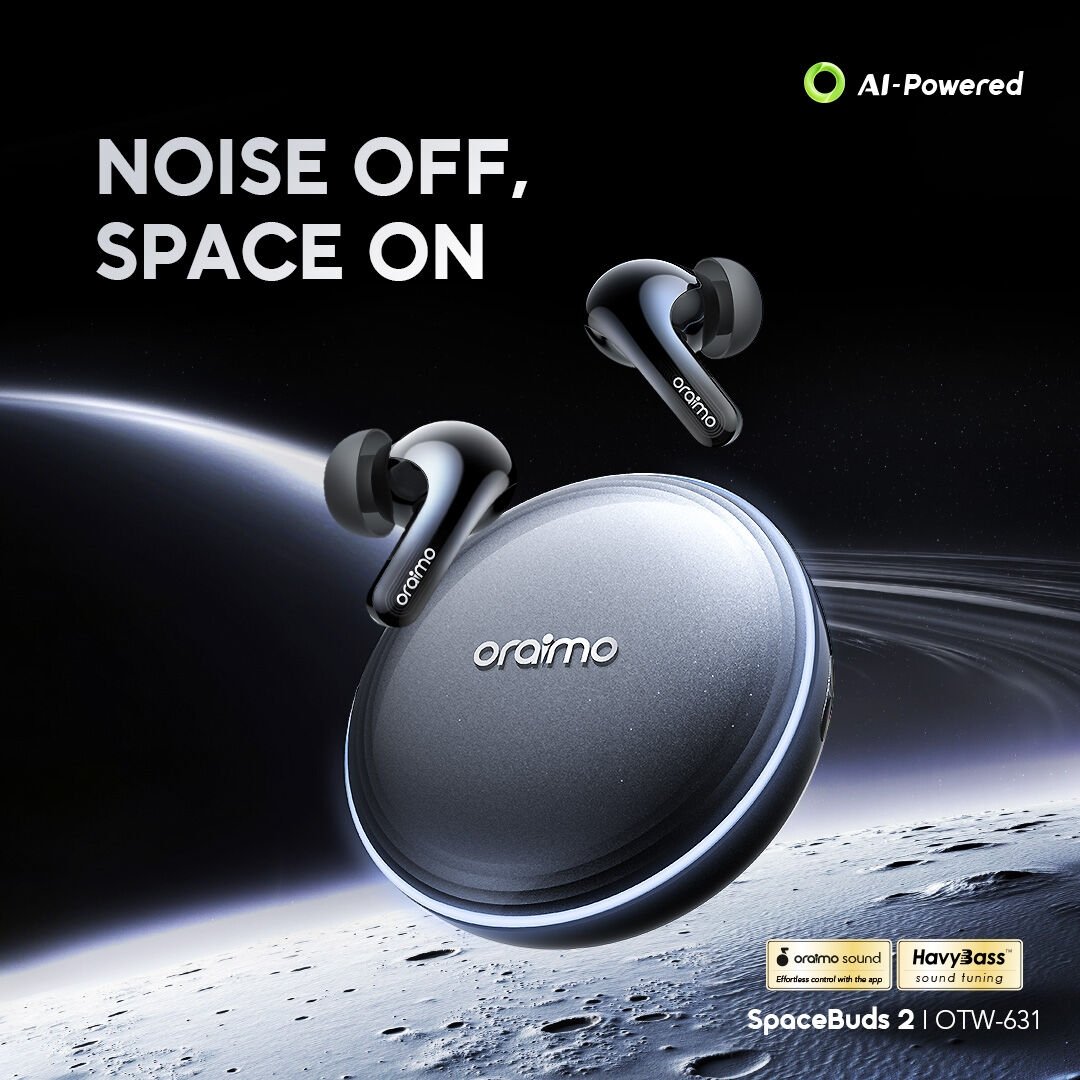
Oraimo Buying Guide | Checked 10 October 2026. Charge the earbuds and open their case according to the exact model instructions. This Kenya-focused explanation is designed to answer a specific practical decision. The following product links refer to real Infinite Tech WooCommerce listings. Some capabilities vary by SKU and app revision.
Shop the Oraimo models in this guide
Go directly to the product page for exact stock, variant and the latest price.
Useful comparisons: spacebuds 2 vs lite vs z · headphones · boompop pro vs lite vs 2s
Shop the Oraimo products discussed here
Open each exact model to confirm today’s price, availability, colour and checkout options.
- Buy SpaceBuds 2 OTW-631 — check price and stock
- Buy SpaceBuds Lite OTW-324 — check price and stock
- Buy SpaceBuds Air OTW-324S — check price and stock
Related buying guides
Compare exact Oraimo products and prices
| Product | Listed price | Purchase link |
|---|---|---|
| SpaceBuds 2 OTW-631 | KSh 4,700 | Confirm price and stock |
| SpaceBuds Lite OTW-324 | KSh 2,300 | Confirm price and stock |
| SpaceBuds Air OTW-324S | KSh 2,300 | Confirm price and stock |
Clickable product images from our media library
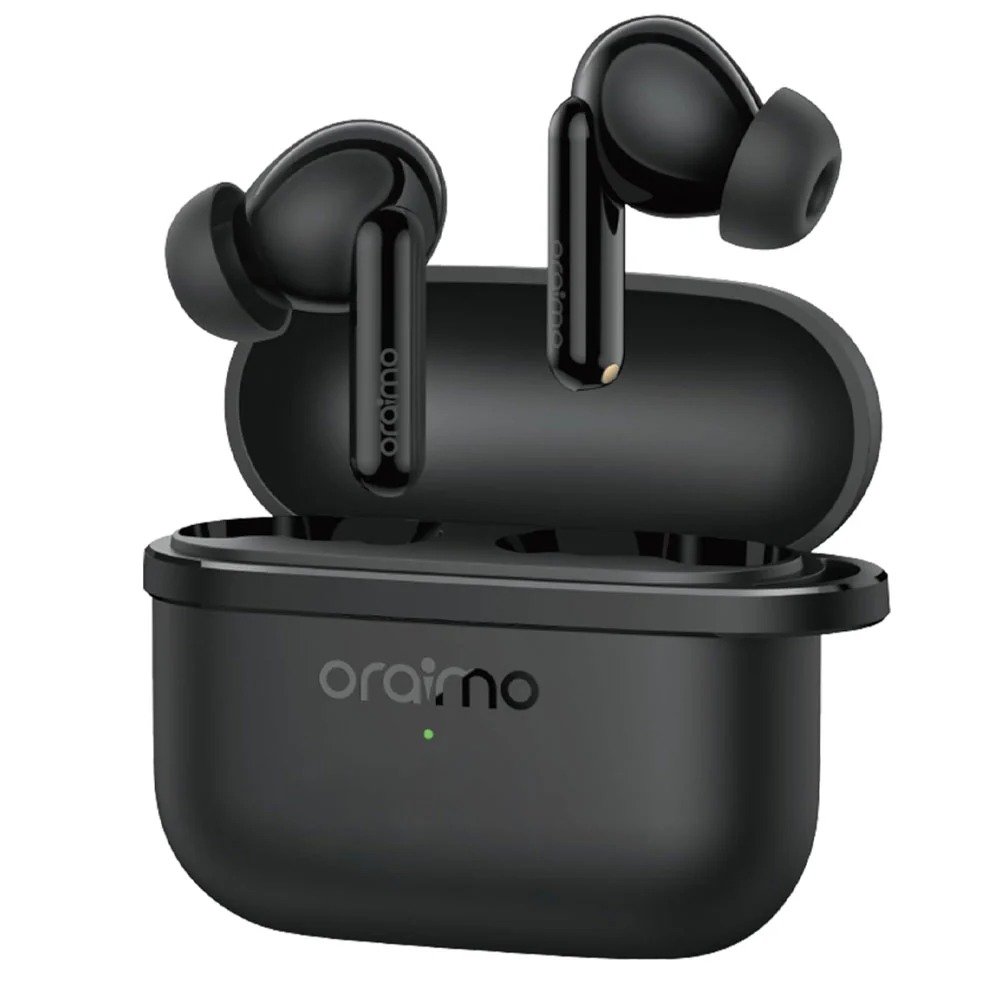
Start with a clean pairing state
Charge the earbuds and open their case according to the exact model instructions. Turn Bluetooth on in the intended phone or computer, locate the manufacturer-specific device name and approve the connection. If the buds are still connected to a nearby old phone, that device can prevent a new device from finding them; disconnect or forget the previous pairing as the manual recommends.
Android and iPhone app differences
Ordinary audio streaming may work on both systems, but advanced EQ, gestures, finder tools and firmware options depend on which features are available in the supported companion app. Check microphone permission separately from basic Bluetooth audio if callers cannot hear you. You should not grant unneeded location or contact permissions merely because an untrusted tutorial requests them.
Windows laptop troubleshooting
On Windows, the device may appear as separate output and input options. Ensure the earbuds are selected both as the sound output and the call microphone in the conferencing application. Other nearby devices can pull the Bluetooth connection away. If a video meeting uses poor-sounding audio, inspect the headset versus stereo mode and Windows audio settings rather than assuming the earbuds are damaged.
A buyer’s decision framework
Use the same decision process when comparing these exact products: establish the principal problem, verify your phone or laptop compatibility, inspect the required connector, compare only specifications that affect the task, and then evaluate the final shop price. A headline specification is not useful if the accessory cannot perform the function you need. For headphones in particular, comfort and the ability to hear clearly at a reasonable volume are more meaningful than a prominent marketing badge.
Kenyan buyers may use these products in crowded public transport, shared offices, classrooms and on long journeys. These environments involve very different background sound and charging access. Consider carrying convenience, cable durability, replacement parts and warranty terms. Do not raise audio volume excessively to overcome noise; listening at a comfortable level remains important even when a model has ANC.
Practical troubleshooting and maintenance
Keep charging sockets and cases dry, make sure connections are not strained, and follow manufacturer cleaning instructions. If a wireless accessory fails, inspect physical power and basic Bluetooth pairing first, then attempt a documented reset only if the exact model supports it. A reset cannot fix damaged hardware. For connector-related problems, check the actual interface and operating-system audio settings before ordering additional adapters.
What to verify before checkout
Match the product name with the printed model number, examine images for the appropriate connector style, and ask whether the supplied variant is the same as the one in the manufacturer documentation. Warranty and delivery claims must be confirmed at checkout. We link directly to purchasable WooCommerce products, but a dated article cannot guarantee future stock or prices. Oraimo manufacturer performance figures are claims under specified testing conditions, not our own measurements.
FAQs: How to Pair Oraimo Bluetooth Earbuds With Android, iPhone and Windows
Which model works with my device?
Check the manufacturer’s exact model code and your phone, computer, cable or Bluetooth requirements. Names in one product family do not guarantee identical compatibility.
What is the current selling price?
This guide uses Infinite Tech catalogue prices checked on 10 October 2026. Follow the exact WooCommerce listing for the latest price, colour and stock.
Does this article include hands-on testing?
No. It is a specification-led, practical editorial guide, not an independently measured laboratory review.
How do I get warranty support?
Keep your receipt and original product identity information; check the store’s warranty terms before purchase.
Do Oraimo app features work on every phone?
Availability differs by device model, phone operating system, app version and region. Verify before relying on a particular feature.
What should I do if the hardware looks damaged?
Stop using damaged batteries, cables or charging contacts. Do not open sealed batteries; contact an appropriate repair or warranty service.
How do I confirm the item is original?
Compare the printed SKU and packaging with official Oraimo information and its supported authentication service.
Explore related Oraimo guides
Complete Oraimo price centre · Oraimo earbuds price list · Earbuds buying guide · ANC vs ENC explained.
Source transparency
Research reference: Oraimo Kenya’s official catalogue and linked Infinite Tech WooCommerce records. Written as editorial buying guidance based on published specifications, without a claim of personal product testing or national best-selling status.
One thought on “Oraimo Earbuds Bluetooth Pairing With Android, iPhone and Windows”
Comments are closed.