

Lenovo ThinkPad P14s vs Dell Precision 7550: Workstation Choice Kenya

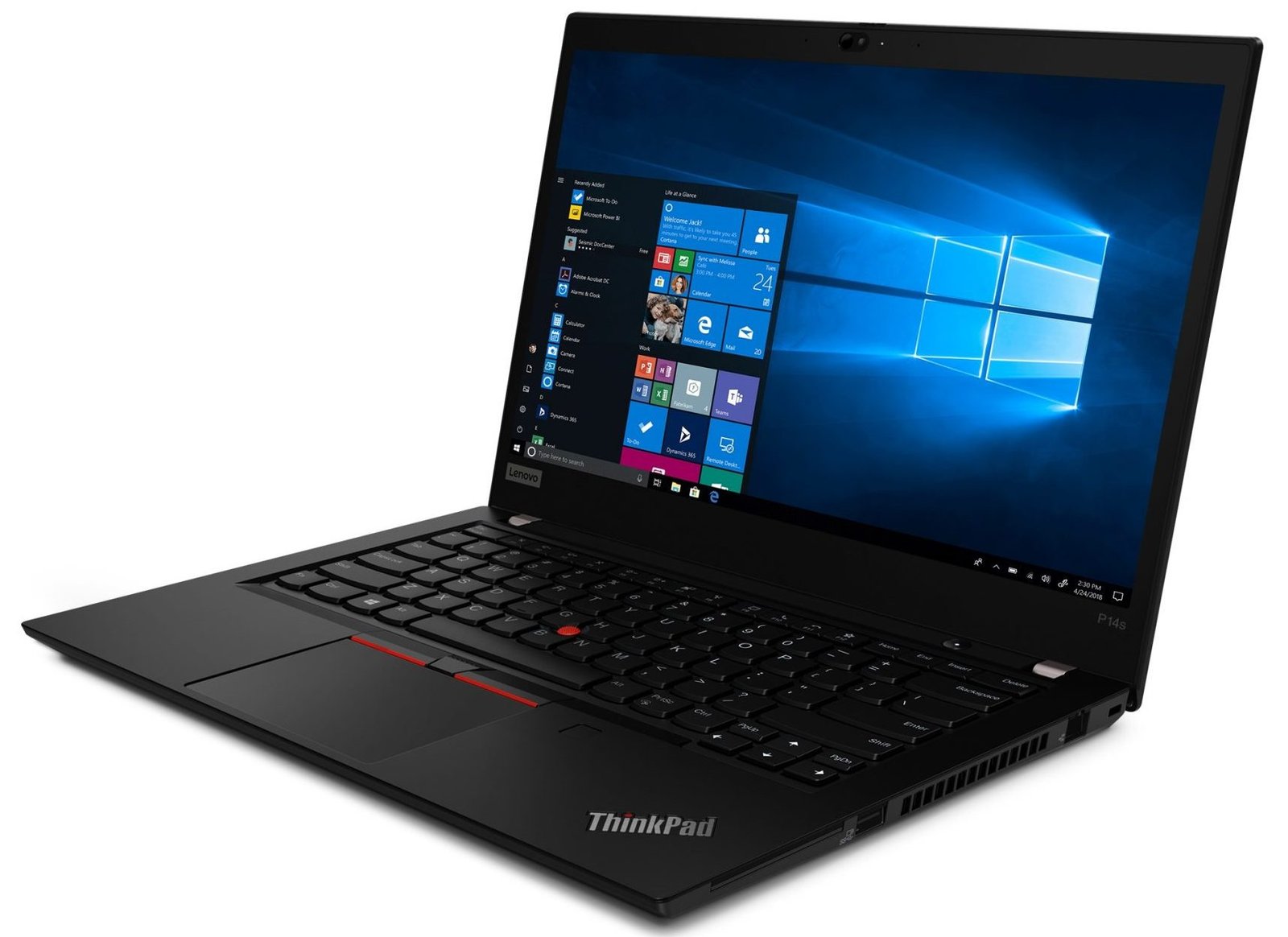
ThinkPad P14s vs Dell Precision 7550 Kenya: This Infinite Tech Kenya guide compares real model families and buying conditions to help Nairobi shoppers select appropriate business laptops. Configurations differ by processor generation, screen, graphics, RAM and individual unit condition; consult the actual device before interpreting a manufacturer’s family-level spec as a guaranteed stock configuration.
Key model and hardware differences
Both names cover multiple power classes
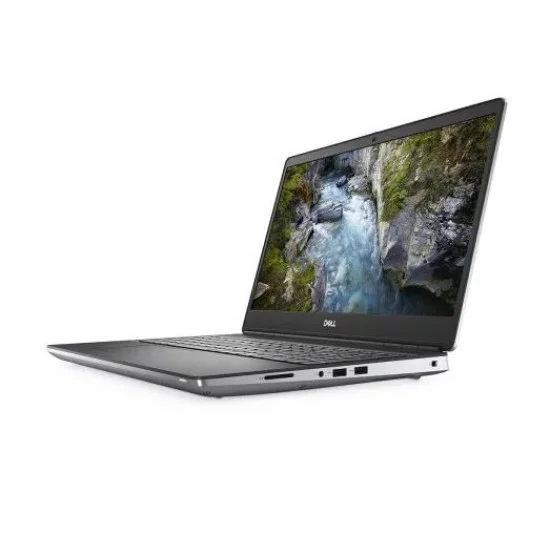
ThinkPad P14s is a 14-inch slim mobile-workstation family, while Dell Precision 7550 is a larger 15.6-inch workstation chassis. Exact CPU, GPU and thermal headroom differ by configuration and workload.
Don’t assume ‘4GB graphics’ names the GPU
P14s has Intel and AMD variants across generations, and some offer professional NVIDIA graphics while others rely on integrated graphics. Precision 7550 likewise ships with different professional GPU options. Read the exact model in a hardware report.
CAD, GIS and 3D require a software-specific verdict
2D drafting, Civil 3D, Revit, QGIS and Blender vary substantially in memory, GPU and CPU demands. Buyers should check current software requirements and the proposed project’s scale rather than buying the largest generic VRAM number.
Portability versus workstation expansion
P14s may suit fieldwork and frequent travel; the larger Precision may be preferable to stationary workloads if its specific GPU and cooling meet requirements. Ask for real battery, charger and SSD testing.
Which one should you buy in Kenya?
| Situation | Practical selection rule |
|---|---|
| Office and online learning | Prioritise 8GB or more usable RAM, a working SSD, webcam and a healthy battery, subject to software needs. |
| University and coding | Check the precise CPU suffix, upgradeability and the specific applications your course requires. |
| Design and engineering | Identify GPU model and driver, RAM capacity and exact application version; do not rely on ‘2GB/4GB graphics’ alone. |
| Frequent travel | Consider size, charger, battery report, keyboard and durability, not only generation or processor tier. |
Inspection and specification checklist
- Confirm make and hardware model code from BIOS or manufacturer support.
- Read the full CPU model and validate generation and supported OS.
- Check RAM, SSD and whether future upgrades are possible.
- Inspect screen, touch operation when listed, hinge and camera.
- Distinguish shared integrated graphics from a dedicated graphics card.
- Check SSD health, battery report, charging and all required ports.
- Get written warranty, return terms and a clear description of cosmetic condition.
Relevant Infinite Tech products and comparisons
For an up-to-date price and physical-unit confirmation, call 0720450148 or visit Rehema House, Standard Street, off Kimathi Street, first floor Shop 2, Nairobi CBD. Product-page prices can change; do not depend on a static article quotation.
Frequently asked questions
Can I assume two laptops with the same Core i7 or Ryzen 7 label perform equally?
No. Exact CPU suffix, core count, cooling, RAM and SSD differ. Check official model specifications and the individual machine.
Does every model include a touchscreen, stylus or a dedicated GPU?
No. These are configuration-dependent options. Request proof of each feature and confirm included accessories.
Are older laptops guaranteed to support Windows 11?
No. Compare CPU model against current Microsoft support lists, and verify TPM, Secure Boot, firmware and other eligibility requirements.
Is there a warranty for ex-UK laptops?
Warranty depends on the individual sale and seller terms. Confirm coverage in writing before making a payment.
Manufacturer and compatibility reference
Official manufacturer or operating-system specifications. Editorial note, 31 October 2026: this guide is based on technical documentation and general purchasing checks, not unperformed unit tests.
